Railway
You can use Phase to sync secrets with your Railway environments.
When secret syncing is enabled, secrets stored inside Phase will be treated as the source of truth. Any secrets on the target service will be overwritten or deleted, including those automatically provisioned by Railway for services like databases. Please import your secrets into Phase before continuing.
Prerequisites
- Sign up for the Phase Console and create an App.
- Enable Server-side Encryption (SSE) for the App from the Settings tab.
Step 1: Authentication
-
Log in to your Railway Dashboard.
-
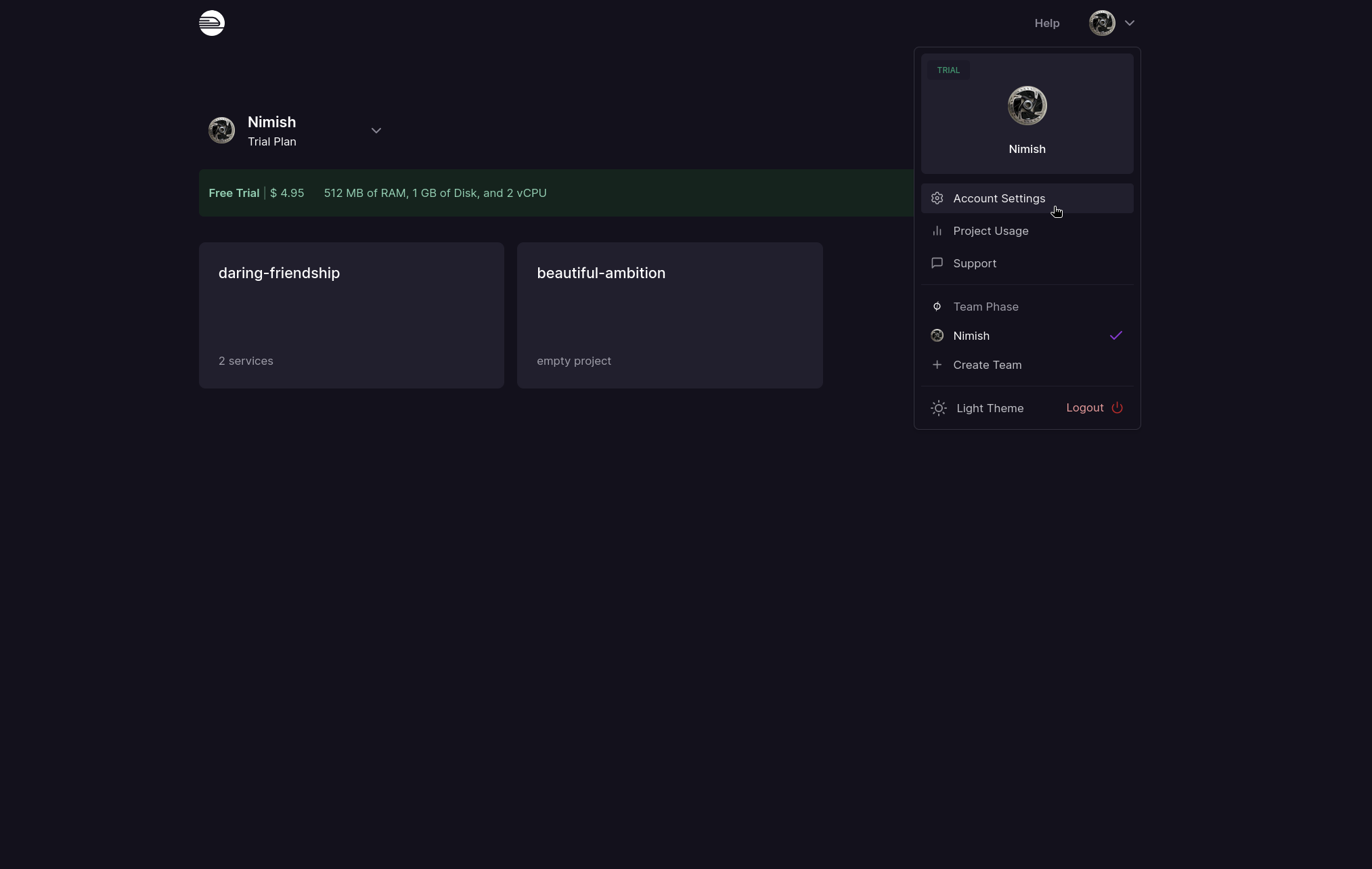
Click on your user icon to see the user account options and click on Account Settings.
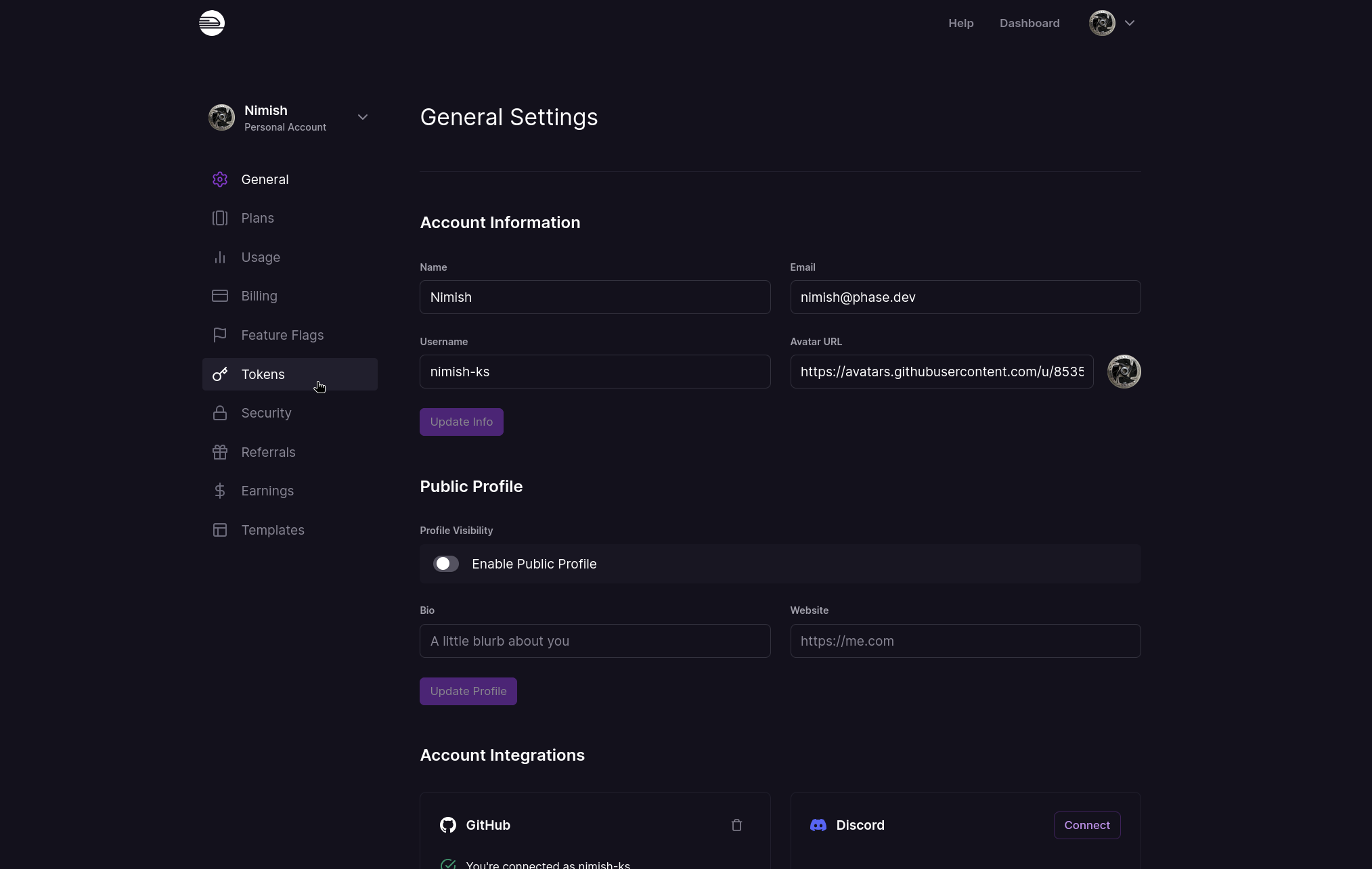
- Click on Tokens in the sidebar menu on the left.
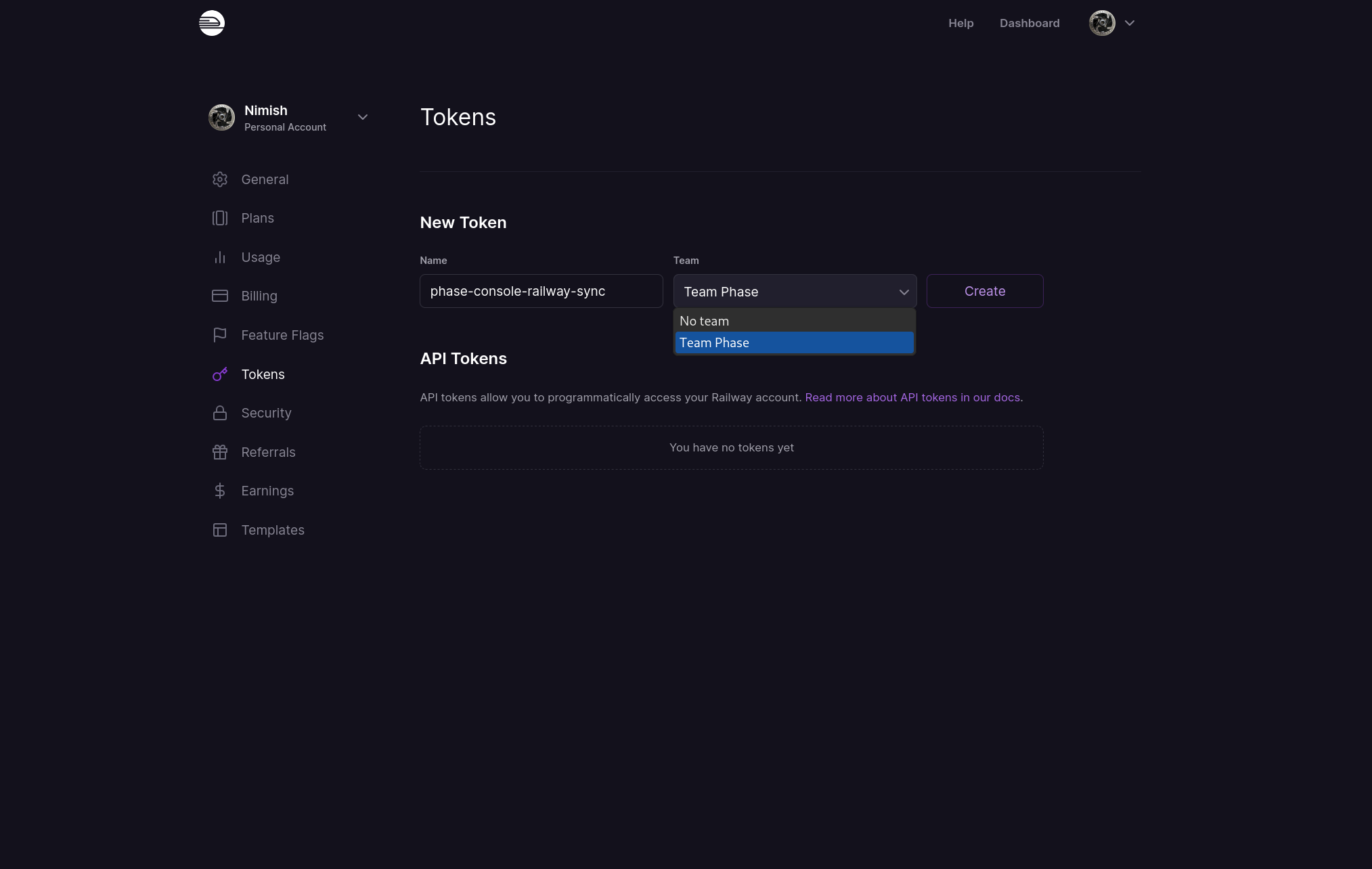
- Create a New Token with a descriptive name and select No team. Note: If you do not have a Railway Team, you will not see the Team dropdown as shown in the screenshot below.
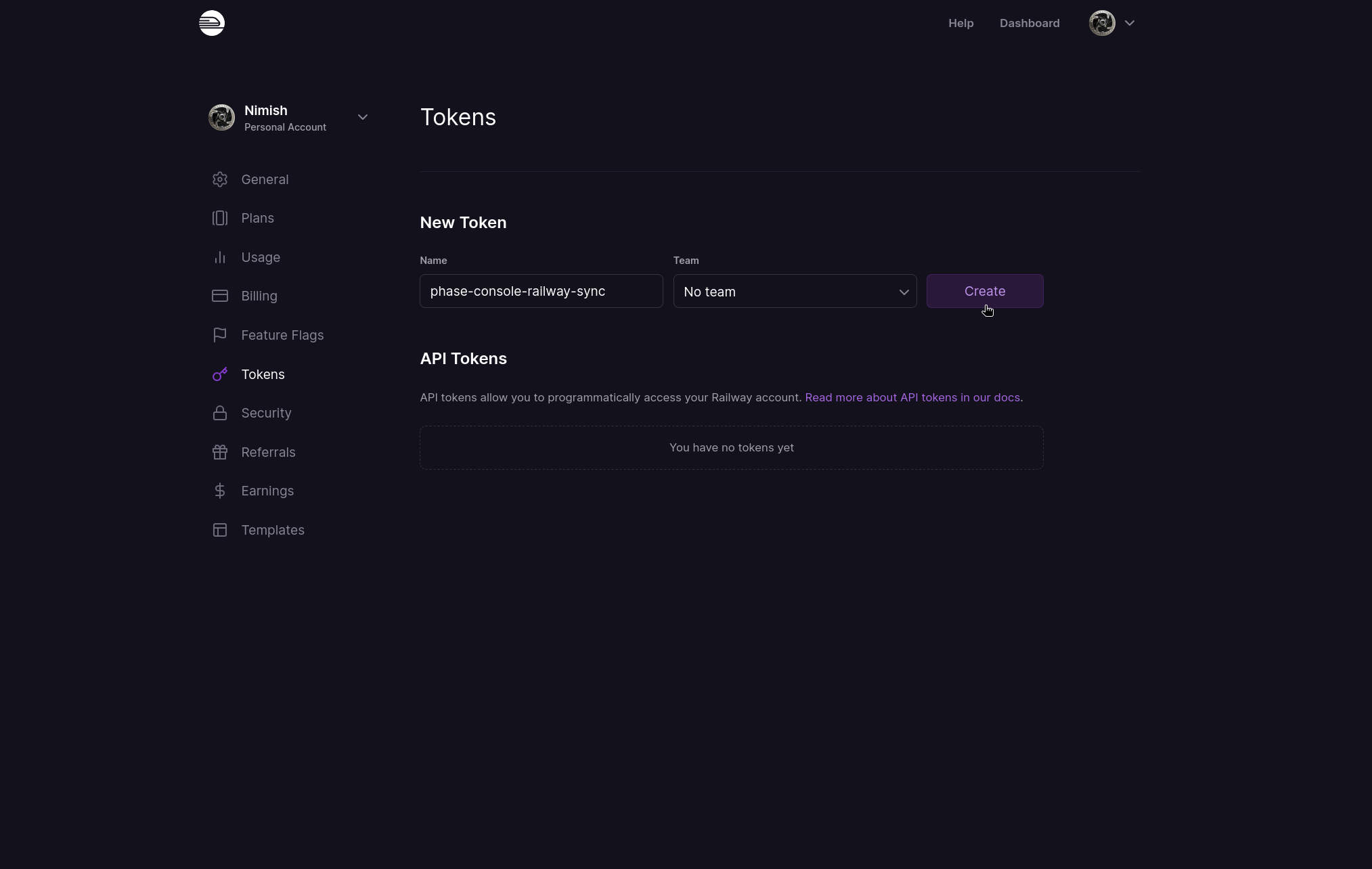
Alternatively, if you do have a Railway Team you want to sync secrets to, please make sure you select your Team from the dropdown.
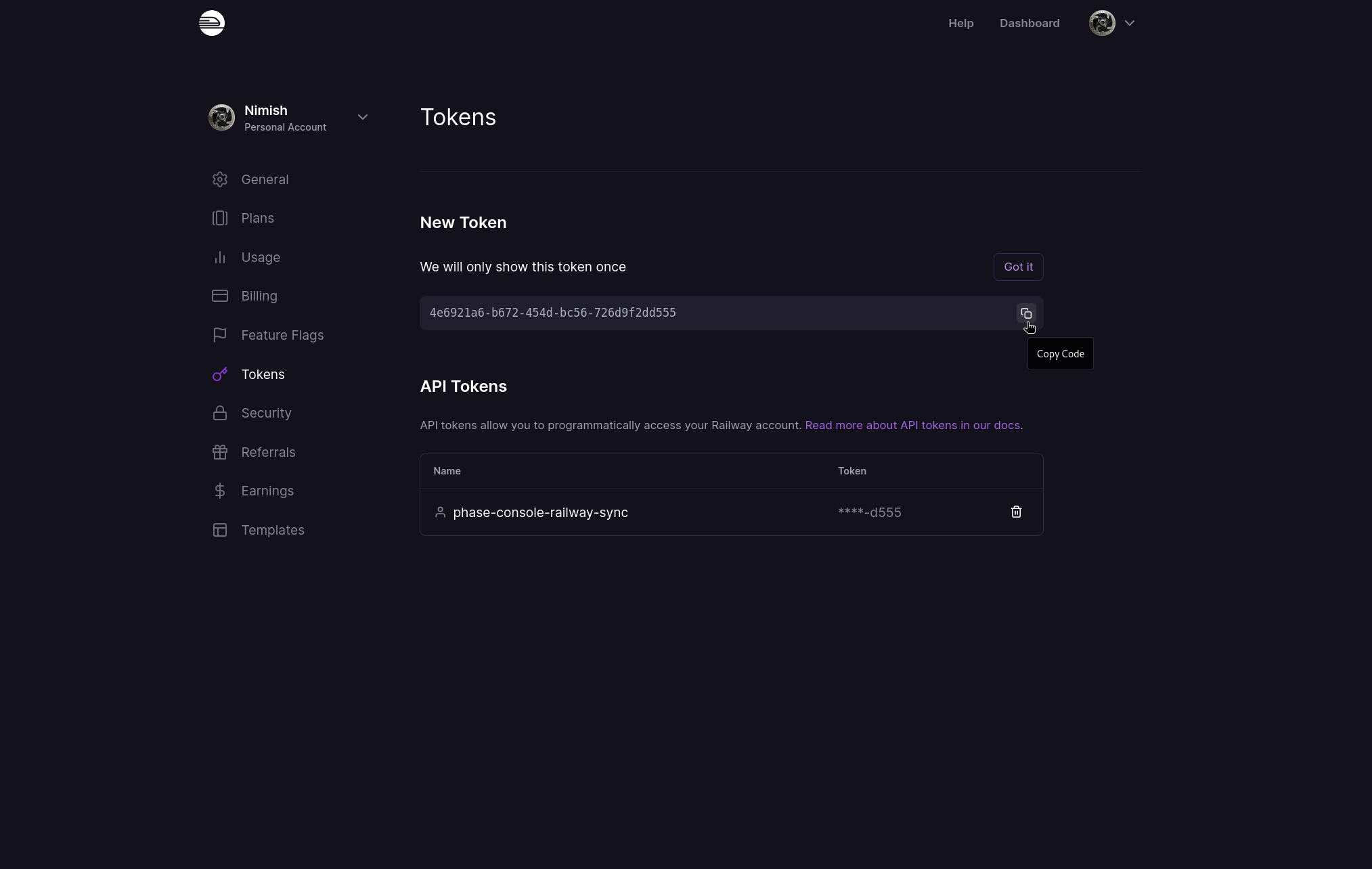
- Copy the API Token.
Store authentication credentials in Phase
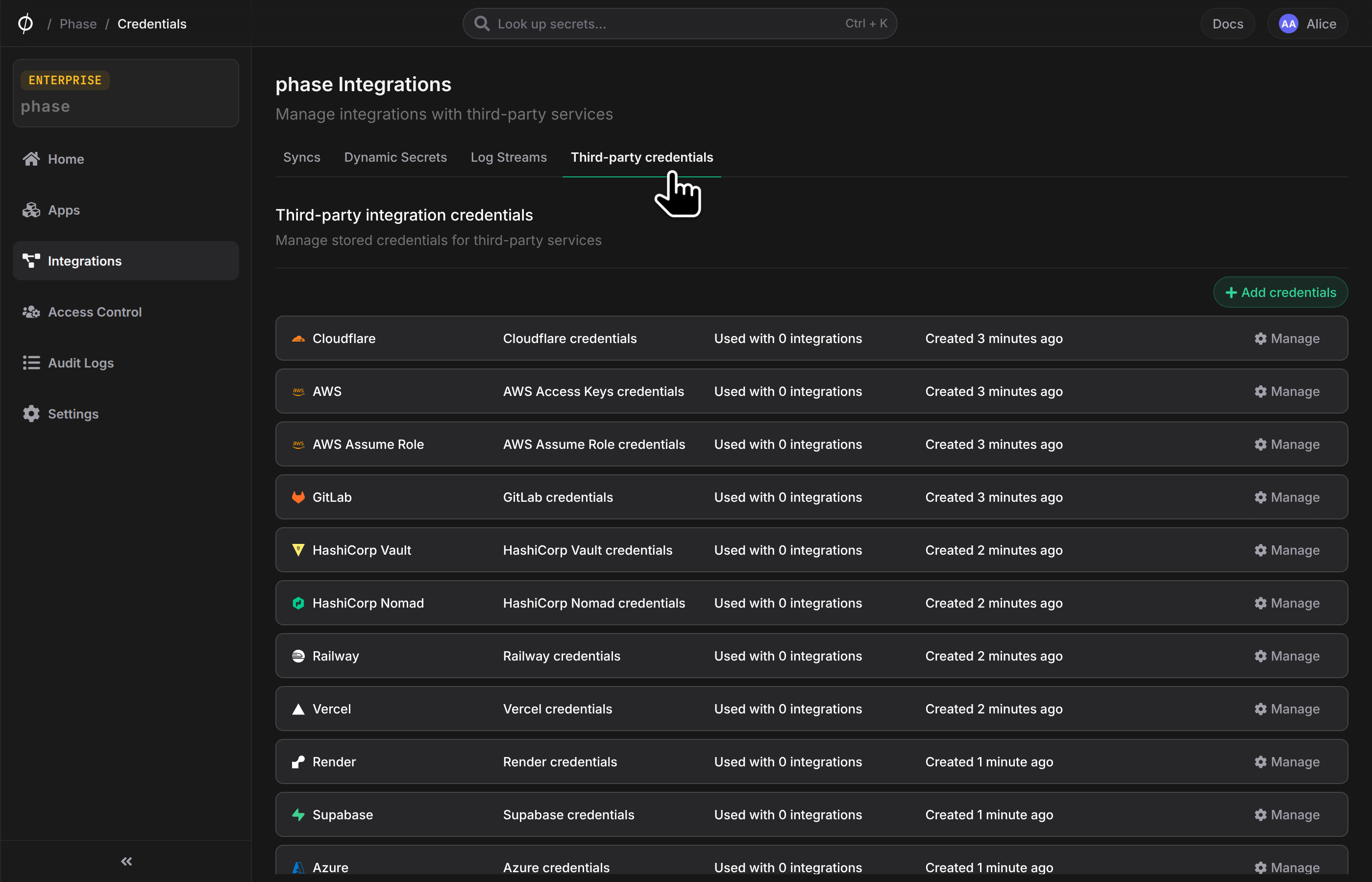
- Go to Integrations from the sidebar and click on Third-party credentials in the integrations tab.
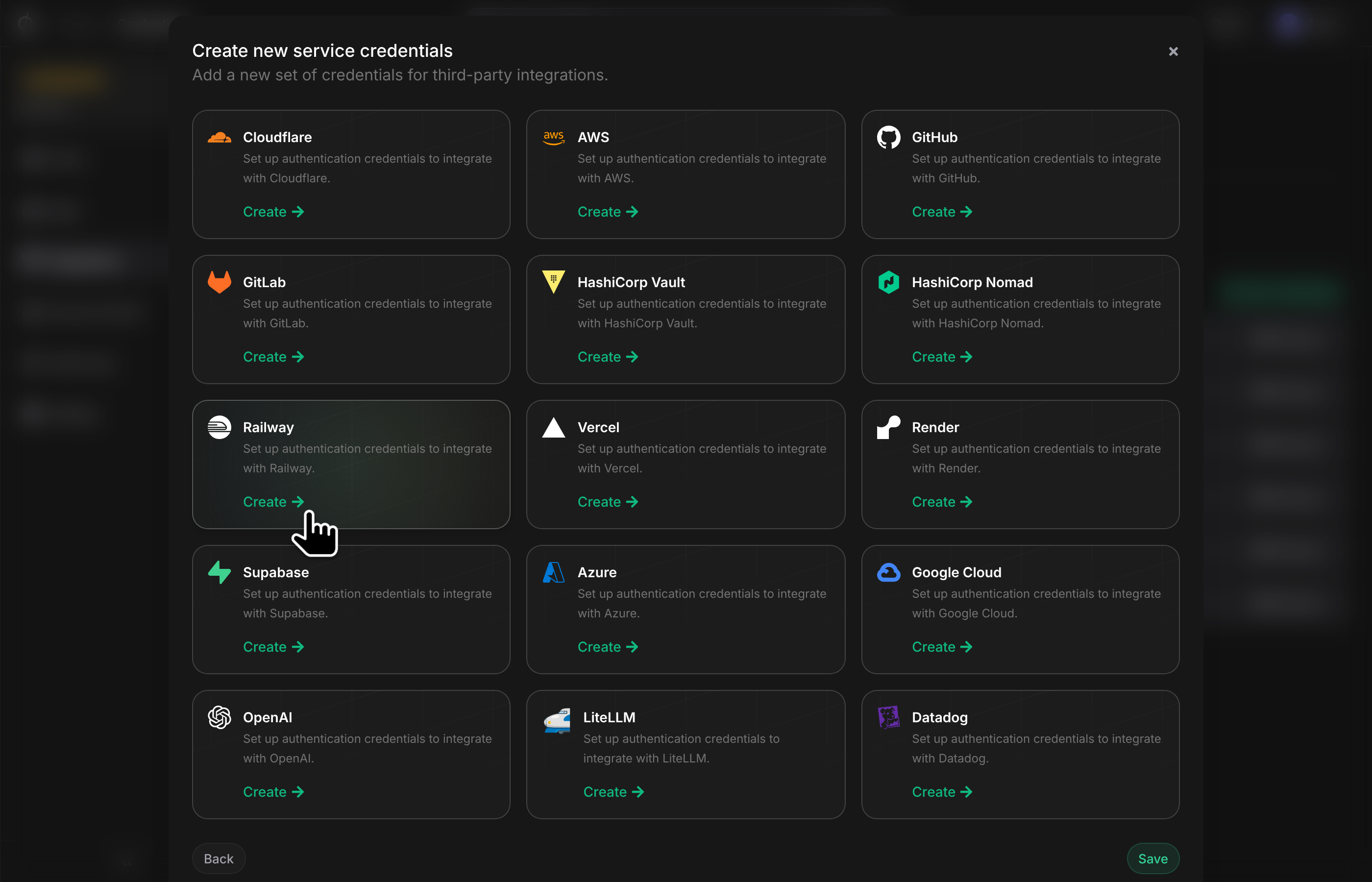
- Click on Railway.
- Enter your Railway
API Tokenfrom the previous step. Enter a descriptive name and click Save.
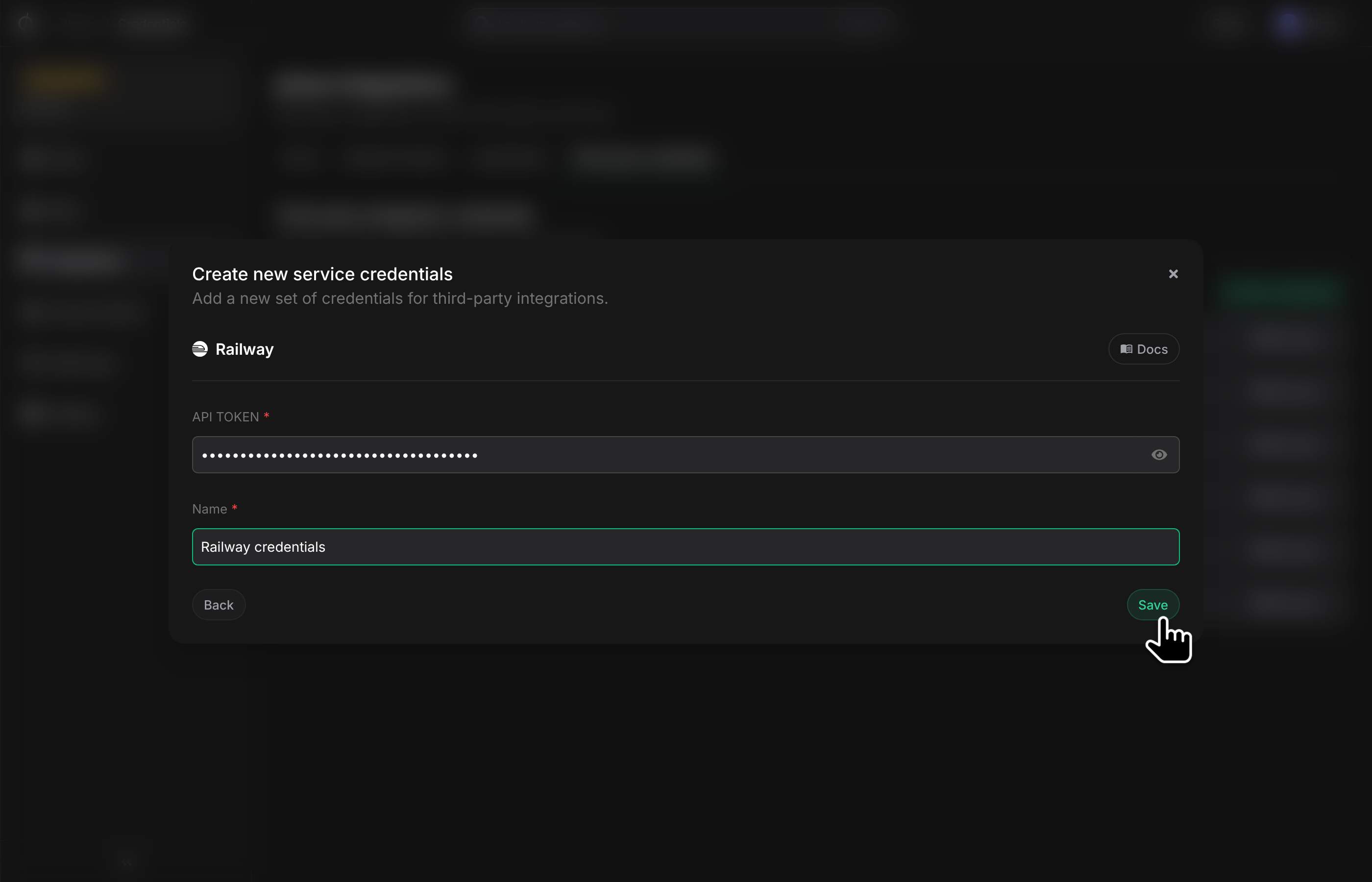
Your credentials will be encrypted and saved. You can view and manage these credentials under Service Credentials in the Integrations screen.
Step 2: Set up a secret sync
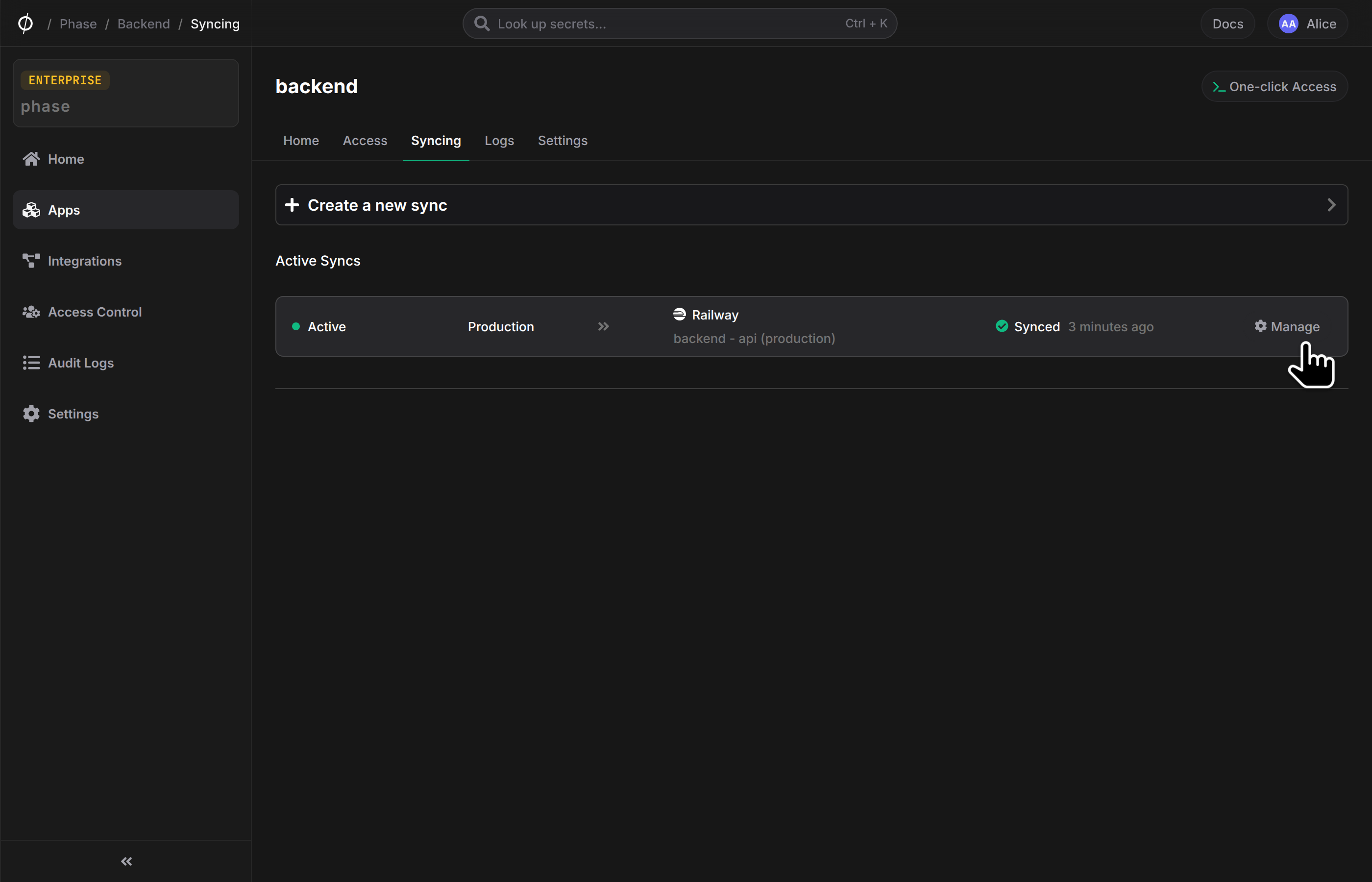
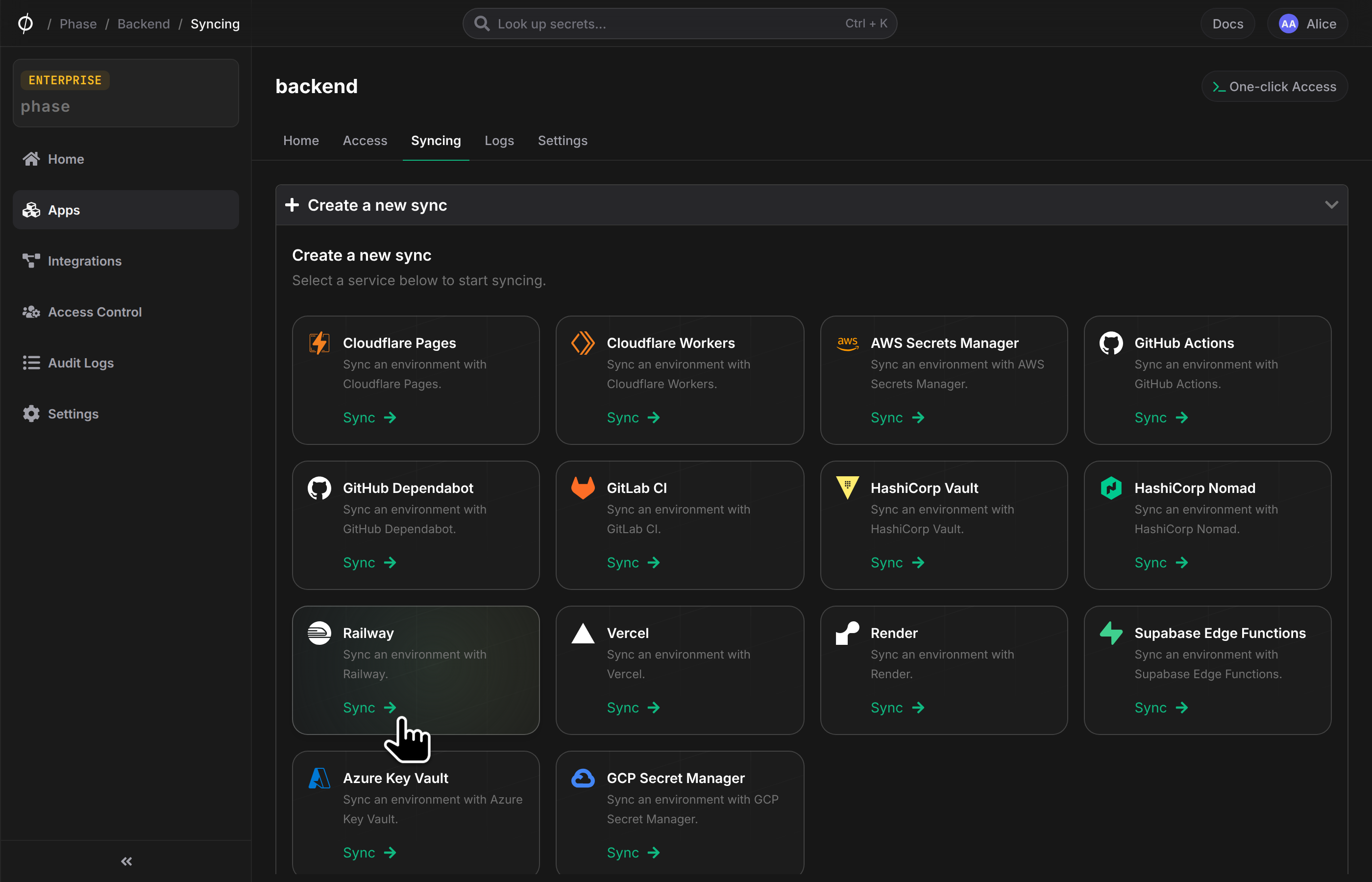
- Go to your App in the Phase Console and go to the Syncing tab. Select Railway under the 'Create a new Sync' menu.
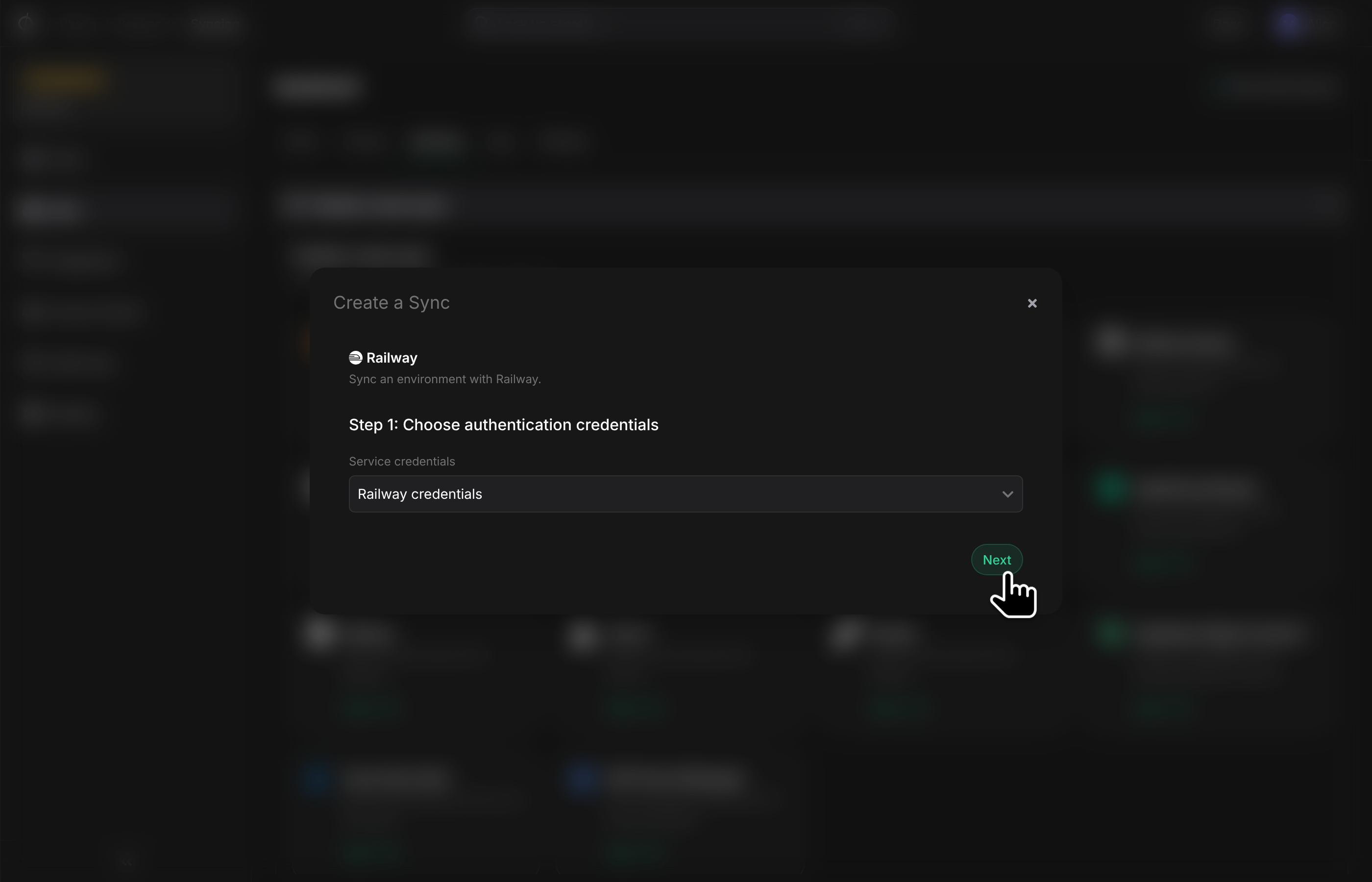
- Choose the credentials you added in the previous step as the authentication mode, and click Next.
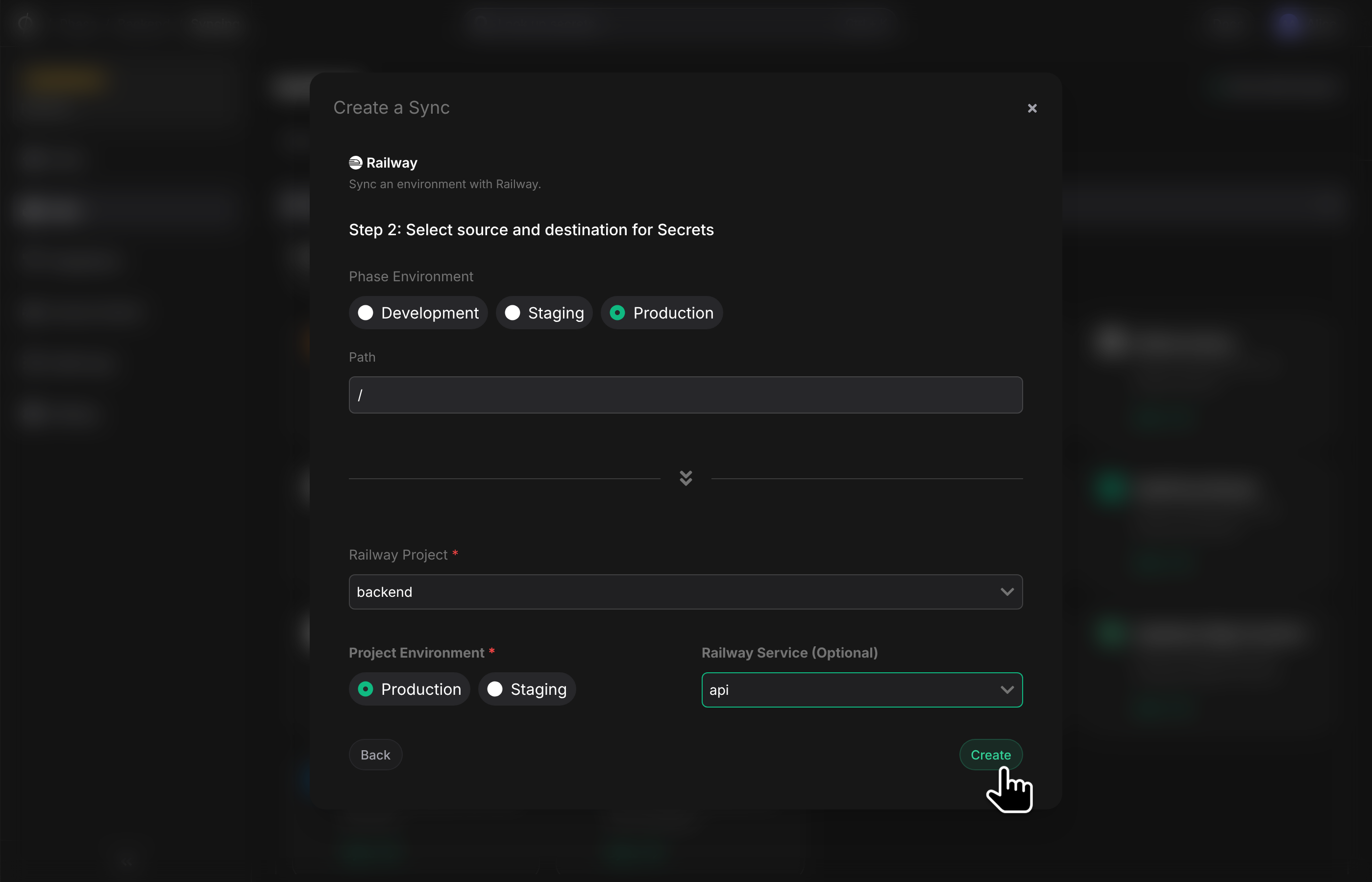
- Next, configure the source and destination for your secrets. Pick an Environment from your App as the source. To configure the destination for the sync, choose a Railway Project from the list of available Projects, as well as an Environment. You can also optionally select a specific Service to sync secrets to. Leave this field blank to sync secrets as Shared Variables in the selected Railway environment.
If you choose to sync to a Railway Service, shared Variables automatically provisioned by Railway, including those belonging to Railway Deployments such as Databases, will be overwritten by Phase. Please import all secrets into Phase before continuing.
- Once set up, your secrets will automatically be synced to the chosen destination in Railway. You can manage your sync from the Syncing tab of your App, or from the Integrations screen.