Supabase Edge Functions
You can use Phase to sync secrets to your Supabase project. The secrets are available to your Edge Functions at runtime.
When you enable secret syncing, Phase becomes the source of truth for your secrets. Phase overwrites or deletes the secrets on the target service. Import your secrets into Phase before you continue.
Prerequisites
- Sign up for the Phase Console and create an App.
- Enable Server-side Encryption (SSE) for the App from the Settings tab.
Step 1: Authentication
Create a Supabase access token
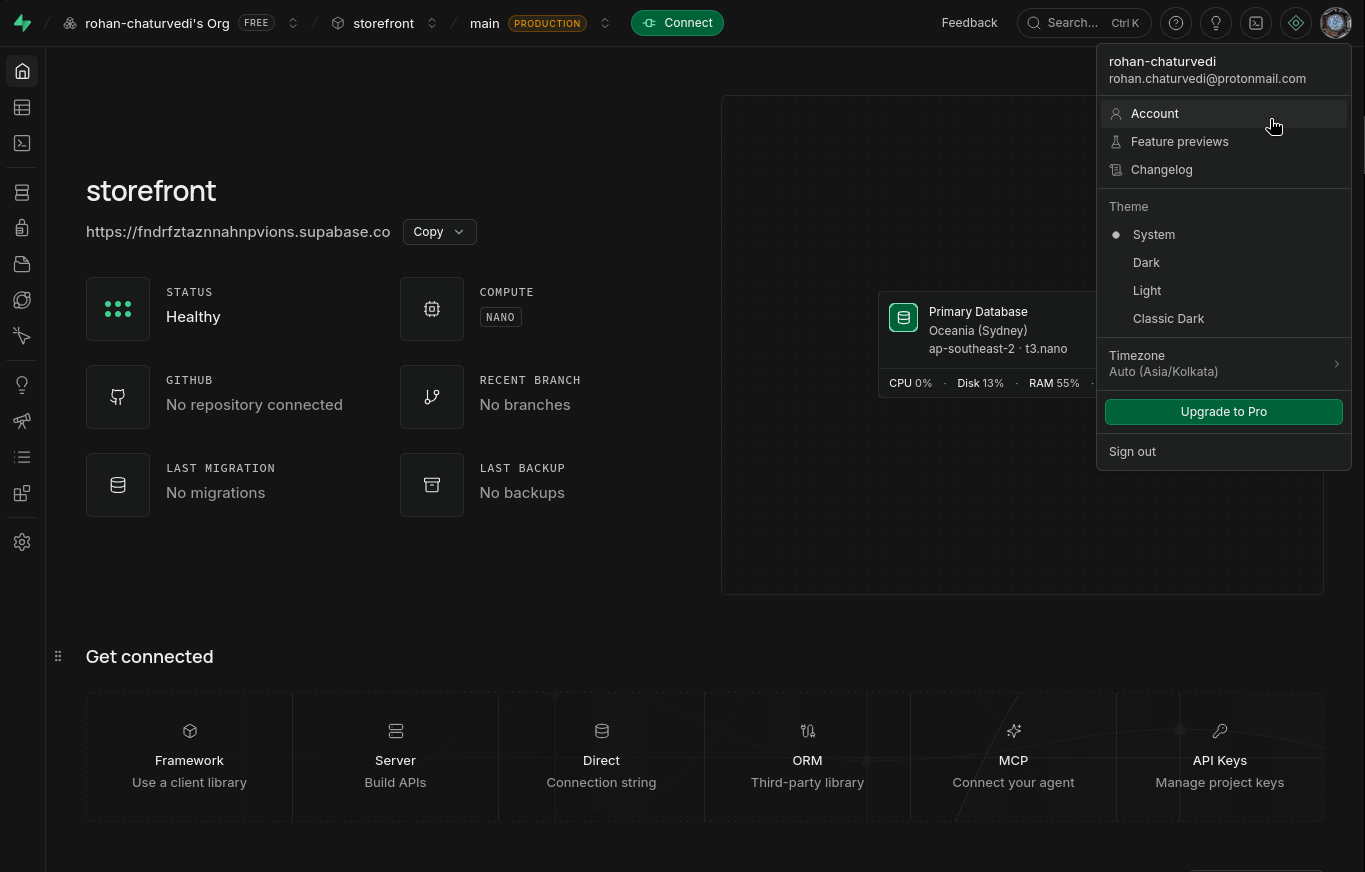
- Log in to your Supabase Dashboard. Click your avatar in the top right, then select Account.
- Go to the Access Tokens tab and click Generate New Token. Enter a descriptive name, select an expiry, and click Generate token. Copy the token. Supabase shows it only once.
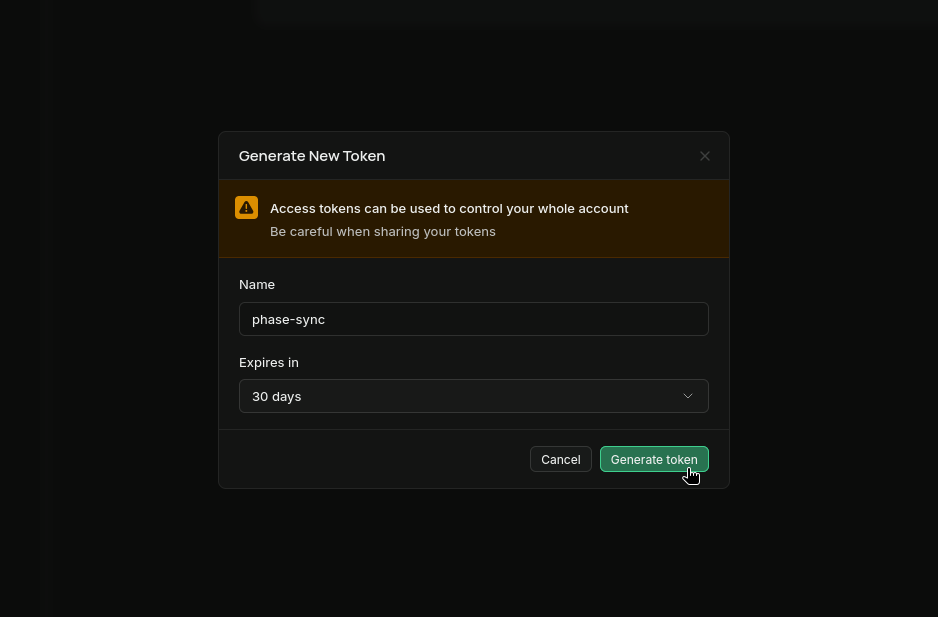
Supabase requires an expiry on new access tokens (up to 1 year with a custom date). When the token expires, syncs fail with an authentication error. Syncs resume after you update the stored credentials with a new token.
Store authentication credentials in Phase
- Go to Integrations in the sidebar. Then click Third-party credentials in the integrations tab.
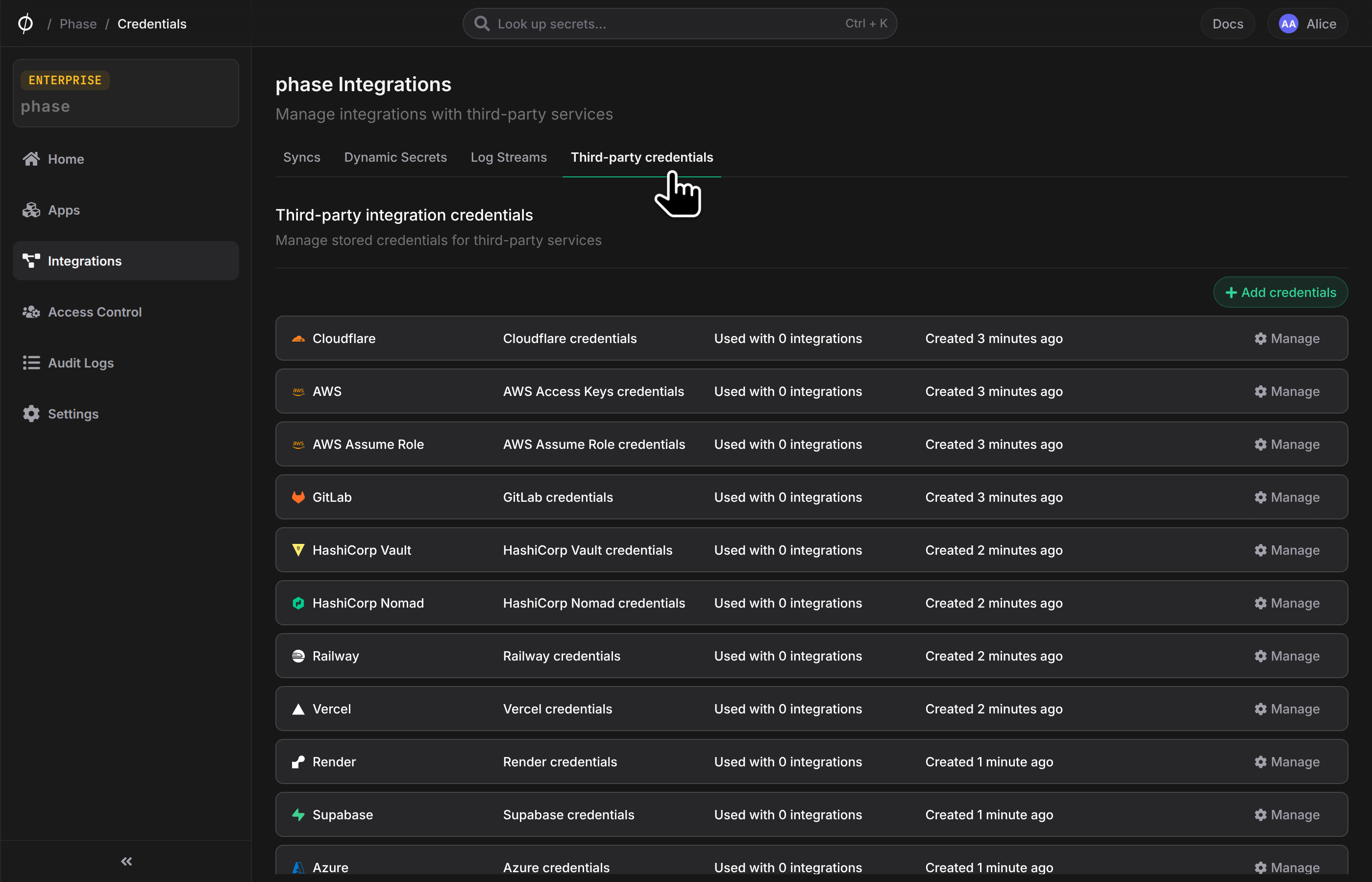
- Click Supabase.
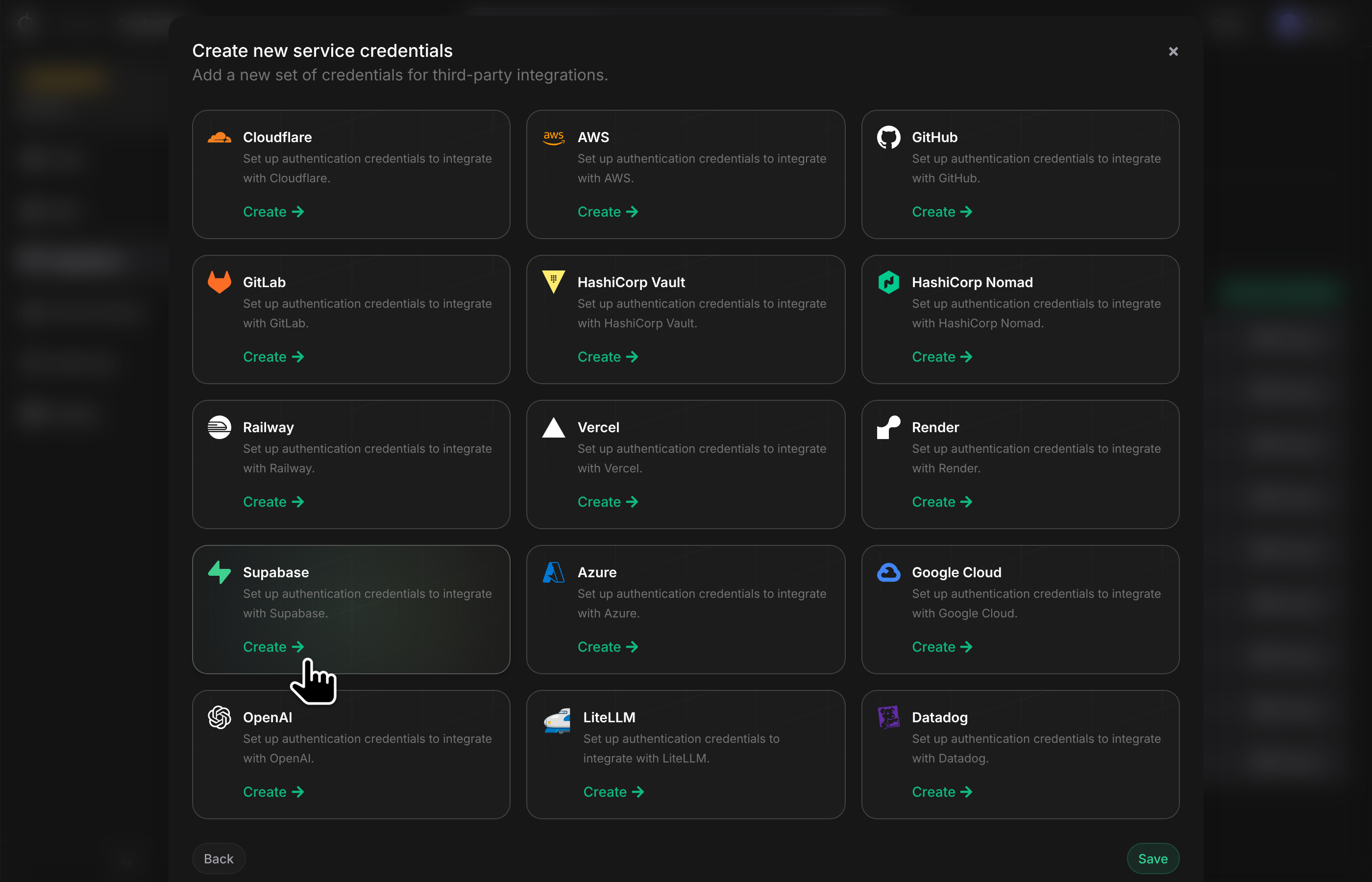
- Enter your Supabase
Access Tokenfrom the previous step. Enter a descriptive name and click Save.
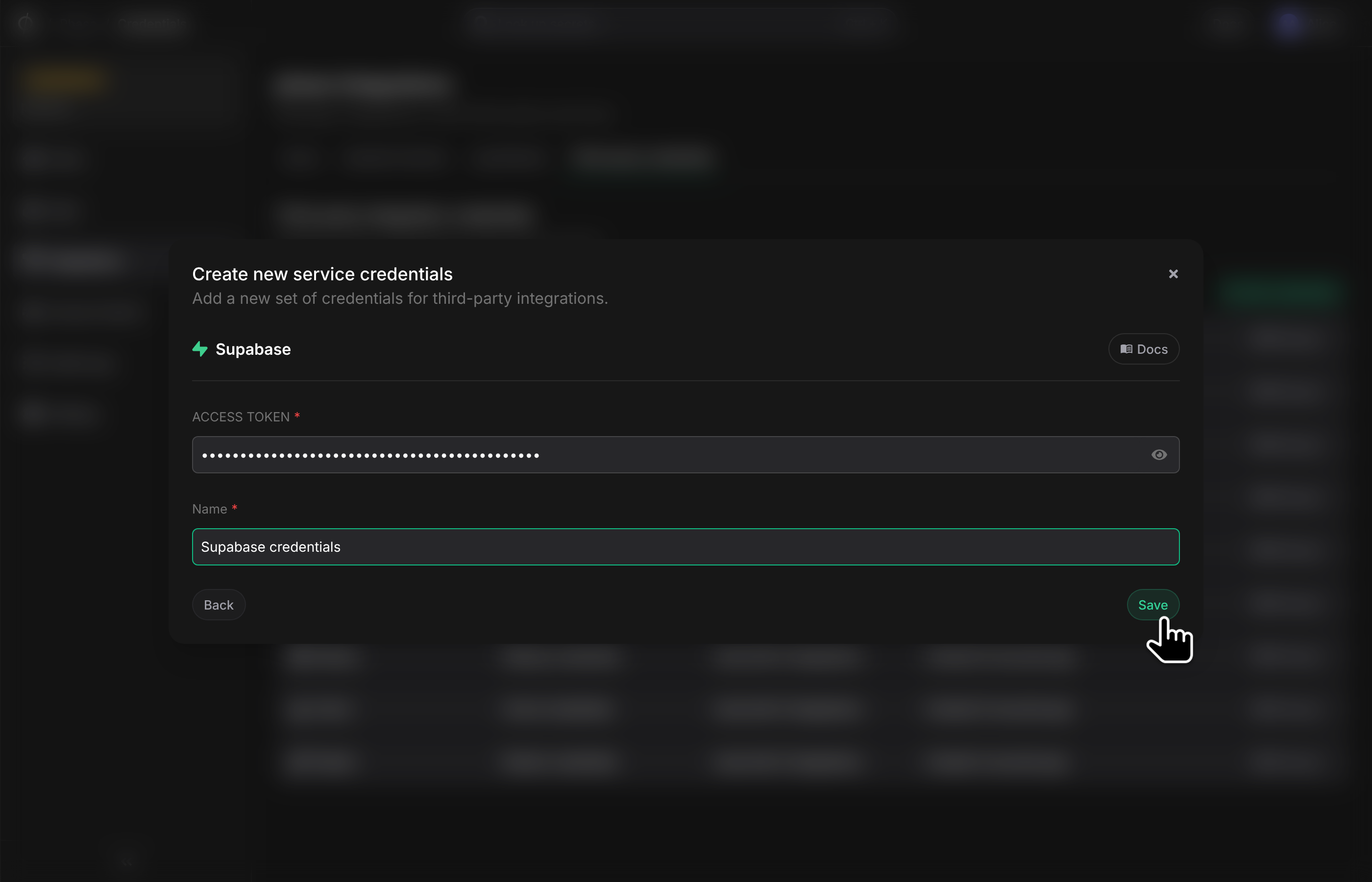
Phase encrypts and saves your credentials. You can view and manage them under Service Credentials in the Integrations screen.
Step 2: Set up a secret sync
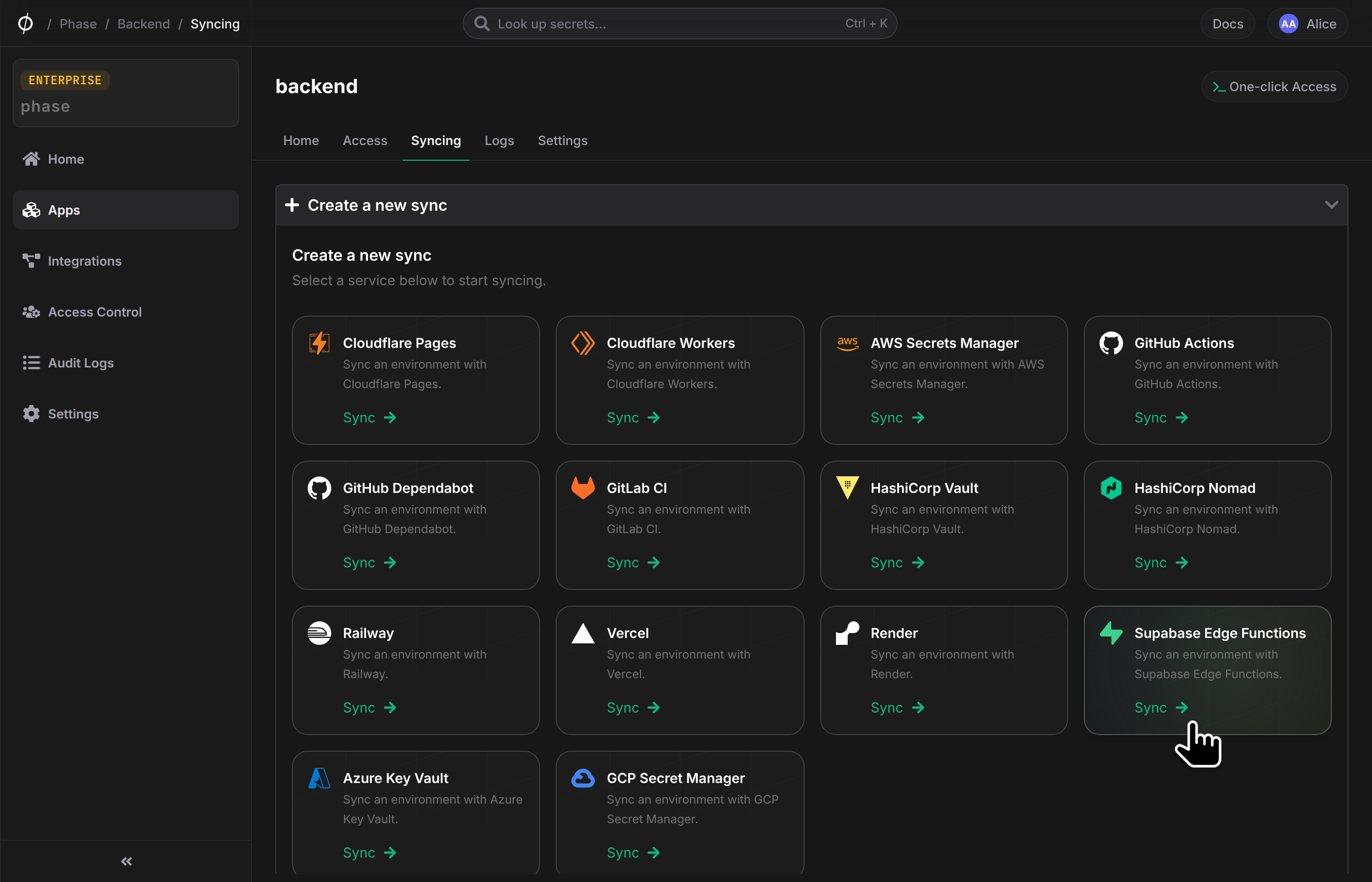
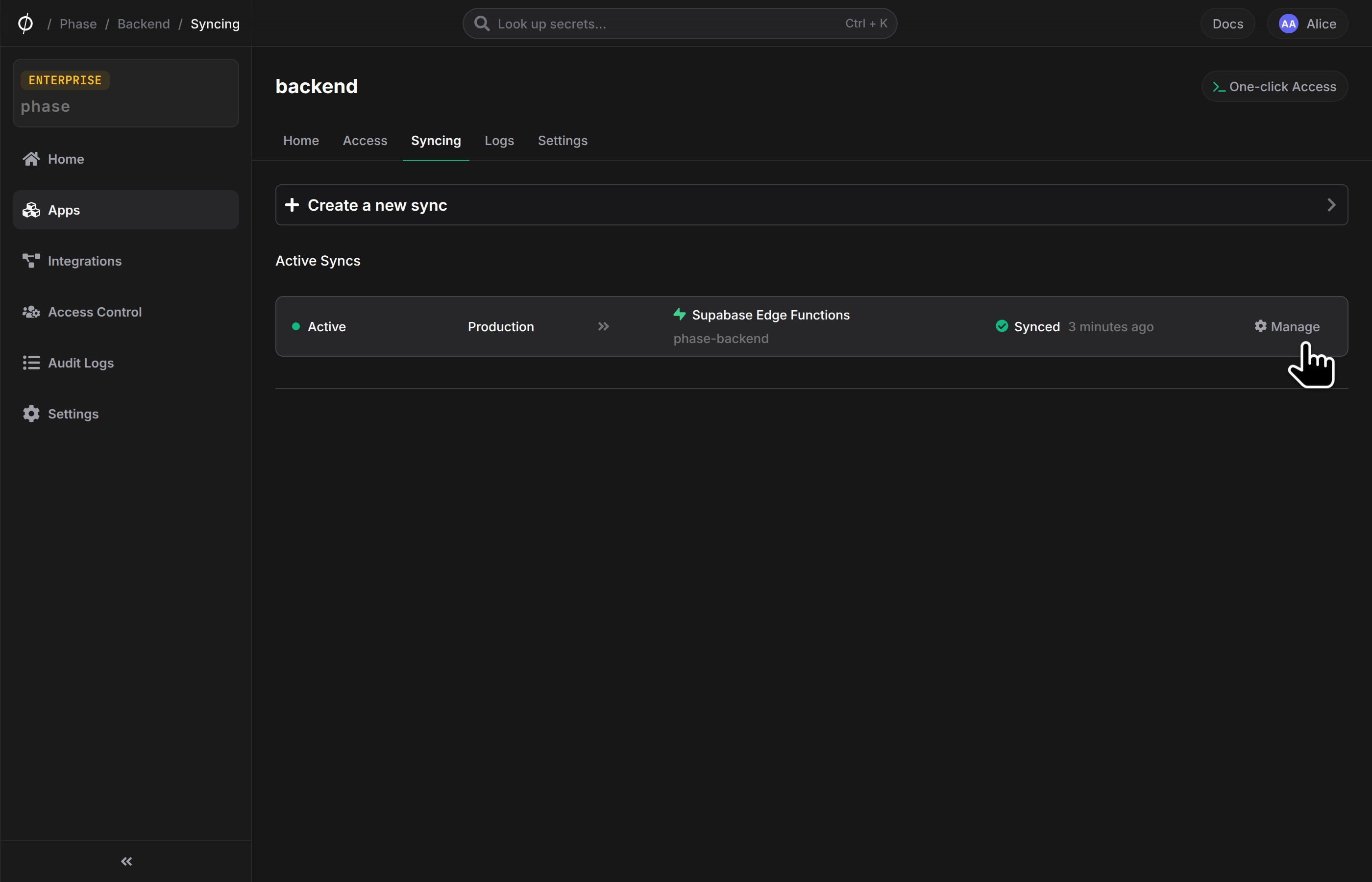
- Open your App in the Phase Console and go to the Syncing tab. Select Supabase Edge Functions in the 'Create a new Sync' menu.
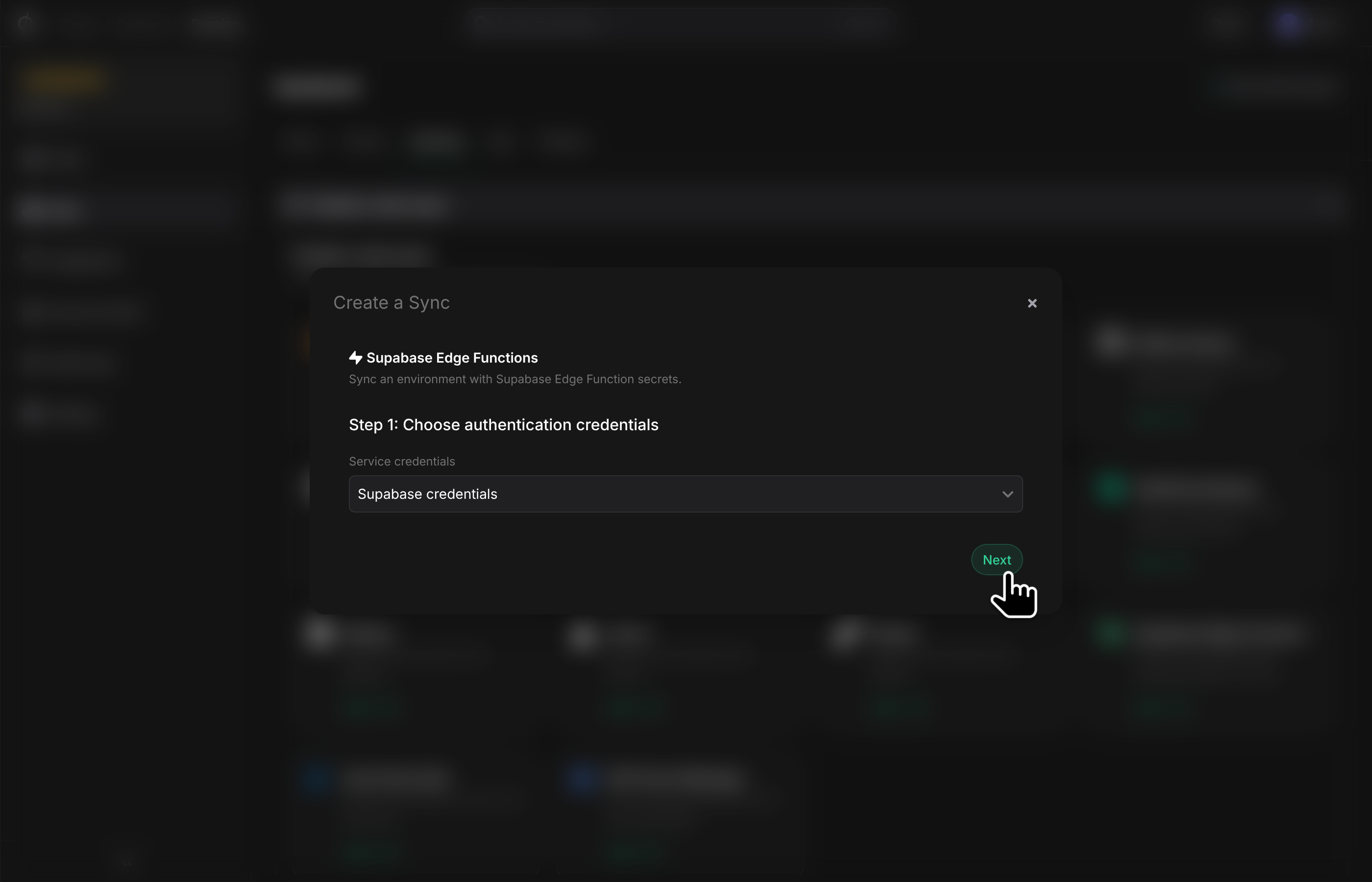
- Select the credentials that you added in the previous step. Then click Next.
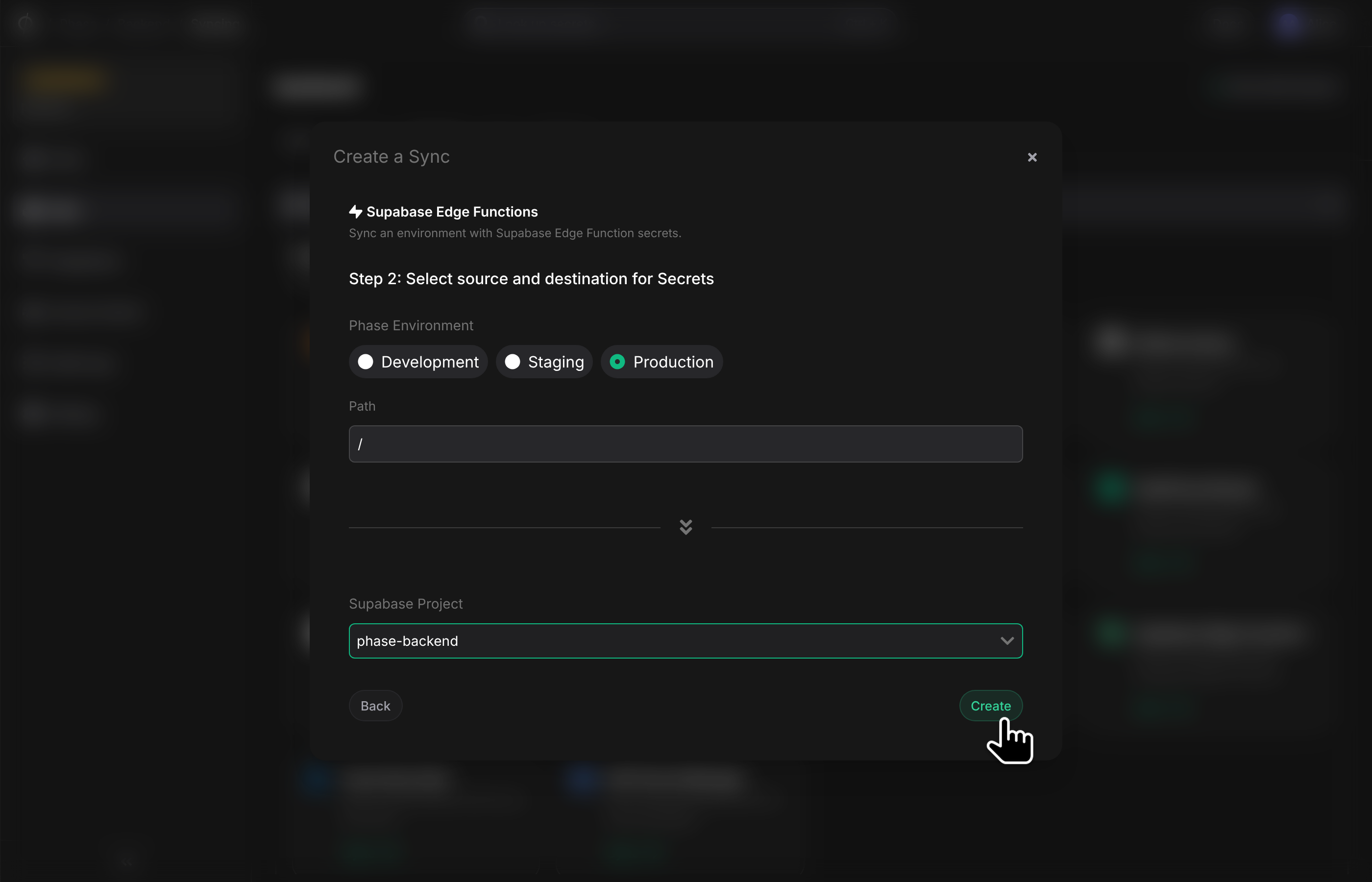
- Configure the source and destination for your secrets. Select an Environment from your App as the source. If you want to sync from a specific folder, set the Path. Then select a Supabase project from the dropdown and click Create.
- Phase now syncs your secrets to the selected Supabase project automatically. You can manage the sync from the Syncing tab of your App or from the Integrations screen.
Supabase reserves secret names that start with SUPABASE_, for example
SUPABASE_URL and SUPABASE_ANON_KEY. Supabase manages these secrets for
every project. The sync does not delete them and does not push Phase secrets
with this prefix. The sync logs list the skipped keys.
Synced secrets are available to your Edge Functions without a redeploy. To see them, open the Edge Functions → Secrets page in the Supabase Dashboard, or use the Supabase CLI:
supabase secrets list --project-ref <your-project-ref>
An Edge Function reads the synced secrets as environment variables:
Deno.serve(async () => {
  const stripeKey = Deno.env.get('STRIPE_SECRET_KEY')

  return new Response(
    JSON.stringify({ stripeKeyIsSet: Boolean(stripeKey) }),
    { headers: { 'Content-Type': 'application/json' } },
  )
})
Supabase allows a maximum of 100 secrets per project. If a sync contains more than 100 secrets, the sync fails before it writes changes to the project. The sync logs show this error. The Edge Functions limits page lists all limits.