LiteLLM — Rotating Secrets
Phase rotates LiteLLM virtual API keys on a schedule. Each rotation mints a new key against your LiteLLM proxy, surfaces it as the active value in your Environment, and revokes the previous key after a configurable delay.
See Rotating Secrets for the general lifecycle.
Prerequisites
- A LiteLLM proxy with database-backed virtual keys (the
litellm-databaseimage, or any deployment withSTORE_MODEL_IN_DBandDATABASE_URLset) - Either the master key, or a scoped management key (recommended)
- The proxy reachable from your Phase deployment
Authentication setup
Phase needs a bearer token to call LiteLLM's management endpoints. You can use the master key directly; we recommend a scoped management key for production.
A scoped key restricts Phase to the four management endpoints it actually uses. With the master key, Phase has full proxy access.
Replace <gateway-url> and <master-key> with your values.
Step 1. Create a proxy-admin user (once).
curl -X POST <gateway-url>/user/new \
  -H "Authorization: Bearer <master-key>" \
  -H "Content-Type: application/json" \
  -d '{
    "user_id": "phase-rotator",
    "user_role": "proxy_admin",
    "user_alias": "phase-rotator"
  }'
Step 2. Mint a scoped key under that user.
The response contains both a key (sk-…) and a token (64-char hex). LiteLLM's auth layer only accepts the key value as a bearer token. Use key, not token.
curl -X POST <gateway-url>/key/generate \
  -H "Authorization: Bearer <master-key>" \
  -H "Content-Type: application/json" \
  -d '{
    "key_alias": "phase-rotation",
    "user_id": "phase-rotator",
    "allowed_routes": [
      "/key/generate",
      "/key/delete",
      "/key/info",
      "/health/readiness"
    ]
  }'
The proxy_admin role is required for the scoped key to delete keys it didn't mint itself.
Add LiteLLM credentials to Phase
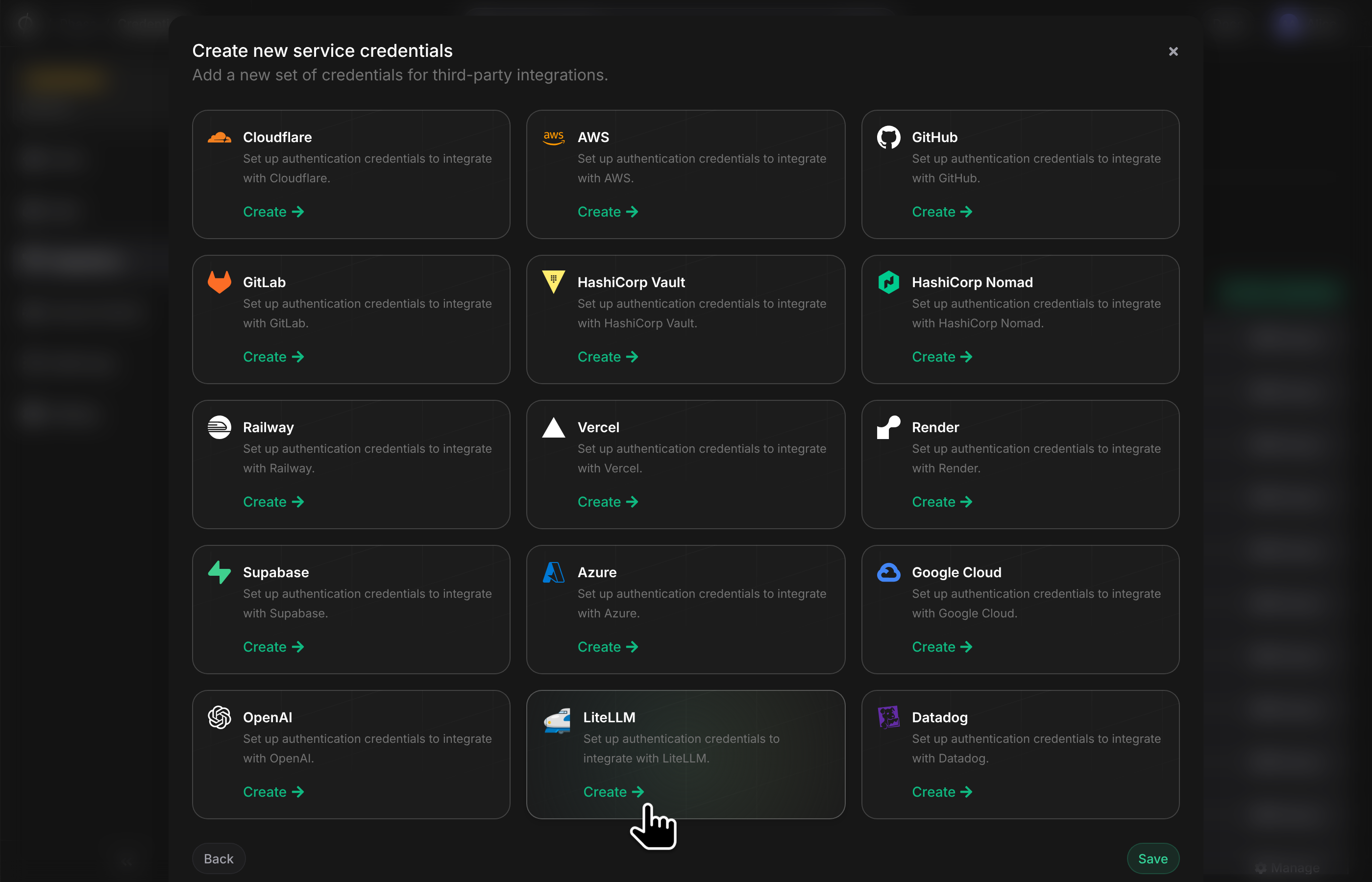
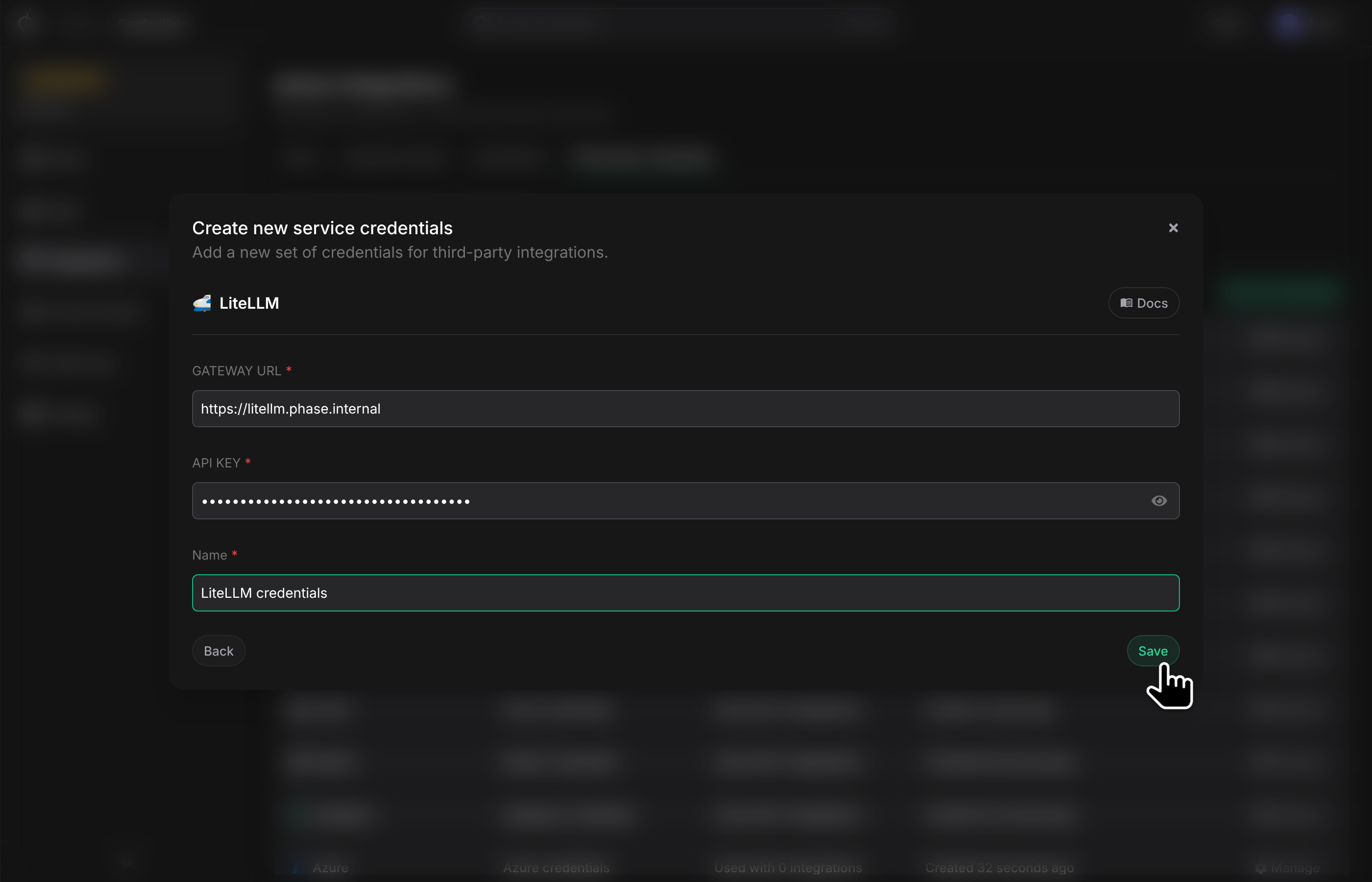
In the Phase Console, go to Integrations → Third-party credentials and click Add credential. Choose LiteLLM and provide:
- Gateway URL — base URL of your LiteLLM proxy, e.g.
https://litellm.example.com. - Management API Key — the scoped key (or master key).
Phase validates the credentials against /health/readiness before saving.
Create a Rotating Secret for LiteLLM
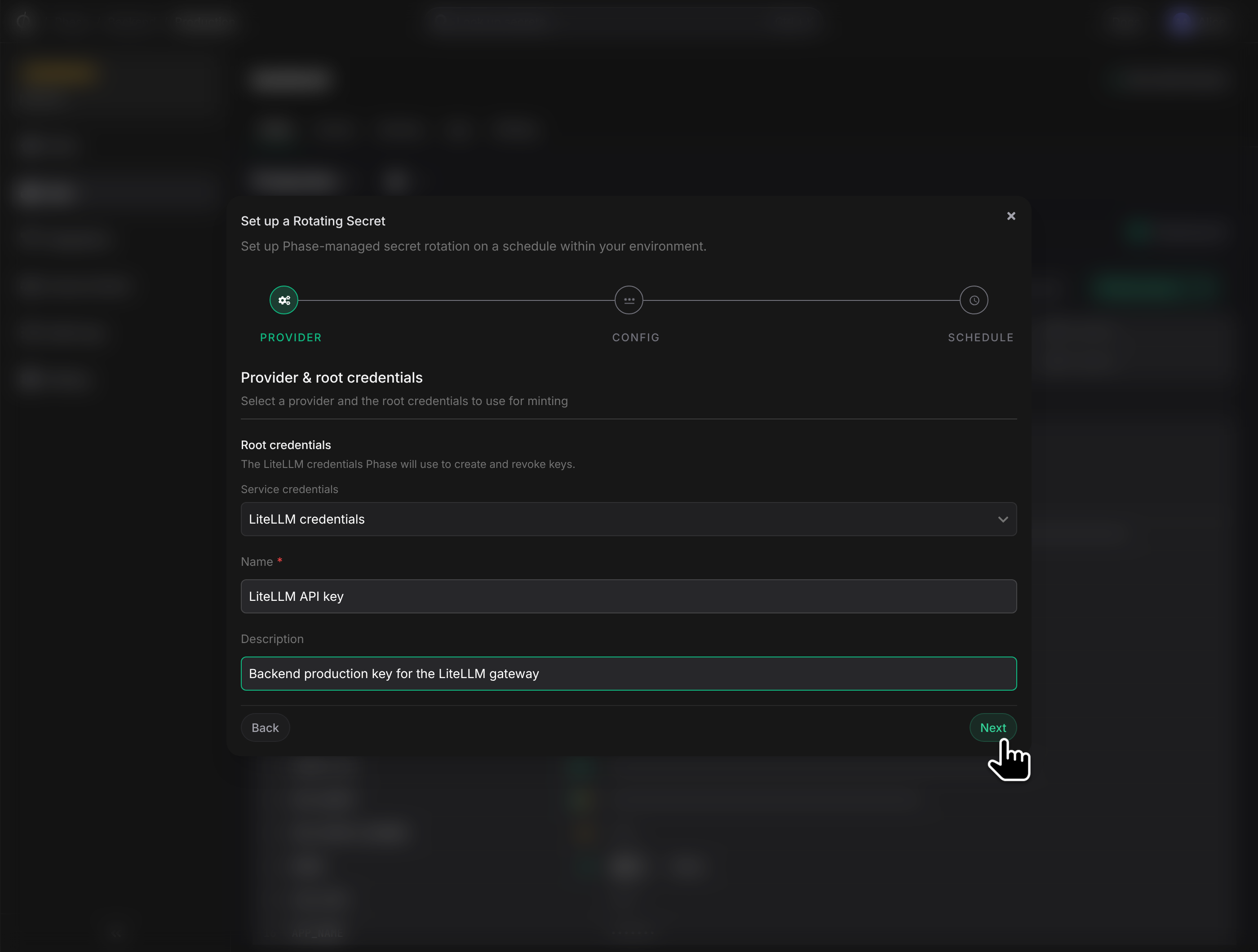
Open an Environment, click New Secret → Rotating Secret, and pick LiteLLM. The Provider config step offers two ways to specify the policy each minted key will carry.
Import from an existing key
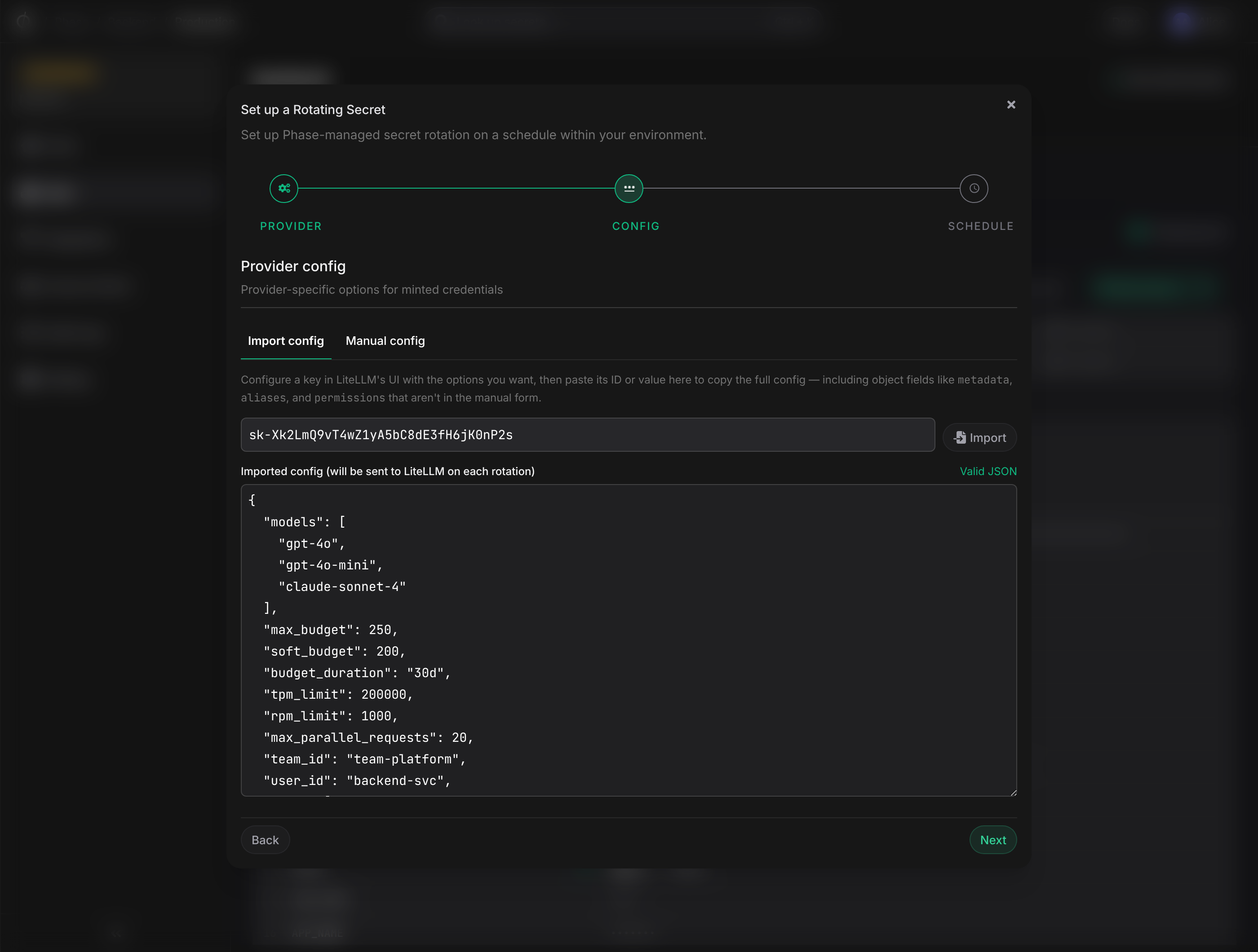
Configure a key in the LiteLLM UI with the policy you want — model allowlist, budgets, rate limits, metadata, aliases, permissions — then have Phase mirror it.
In the Import config tab:
- Paste the LiteLLM key value (
sk-…). - Click Import.
Phase calls GET /key/info?key=<your-key> and shows the full policy as editable JSON. Every field your template key sets — including object fields like metadata, aliases, permissions — is included. The imported policy is captured at create time; re-import if you change the template later.
Configure manually
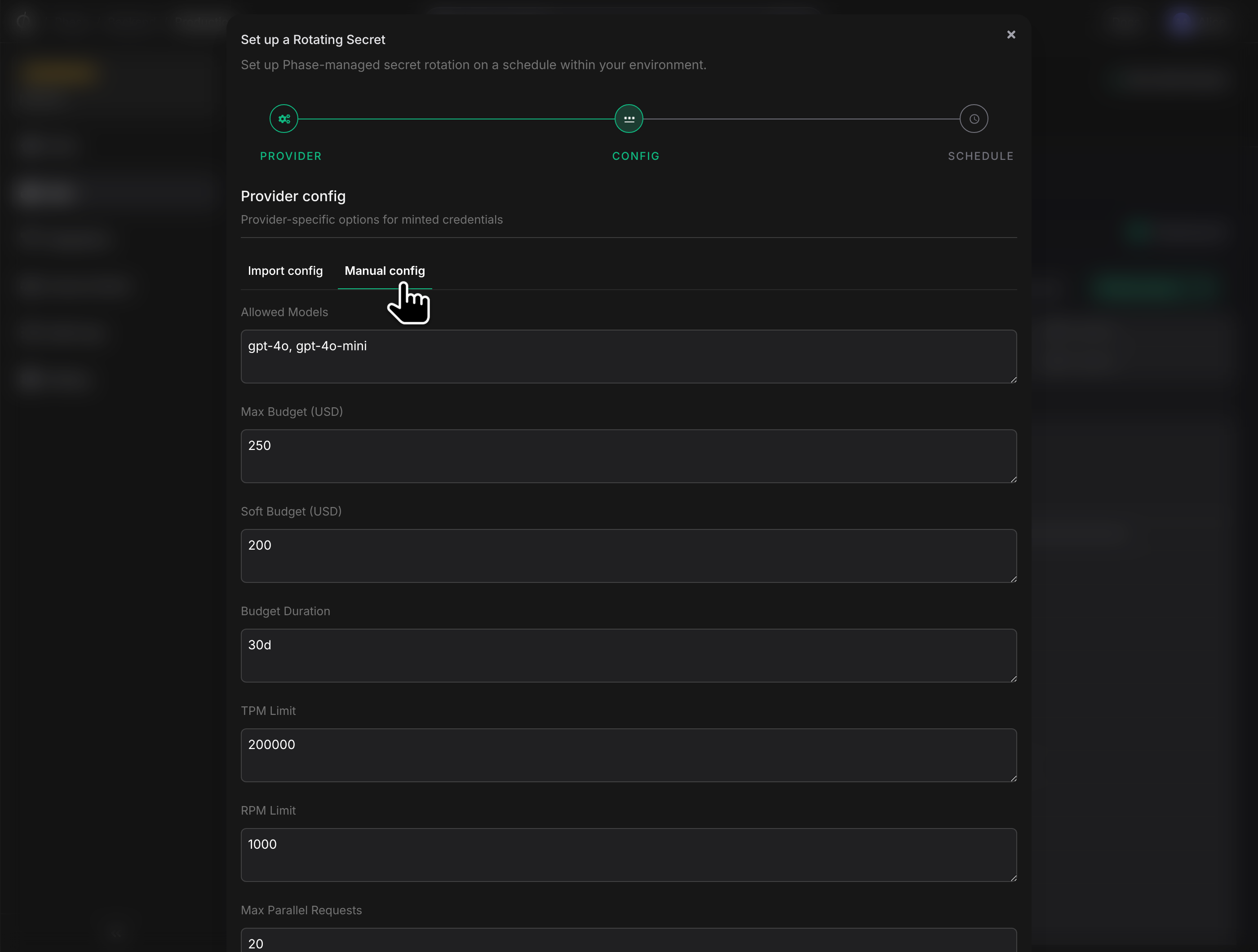
Switch to the Manual config tab and fill in the curated set: allowed models, budgets, TPM/RPM limits, parallel request cap, team/user id, tags, and a blocked toggle.
Outputs
LiteLLM yields two values per minted key:
- api_key — the bearer token your application uses (e.g.
LITELLM_API_KEY). - key_id — the LiteLLM-side token id, used internally for revocation.
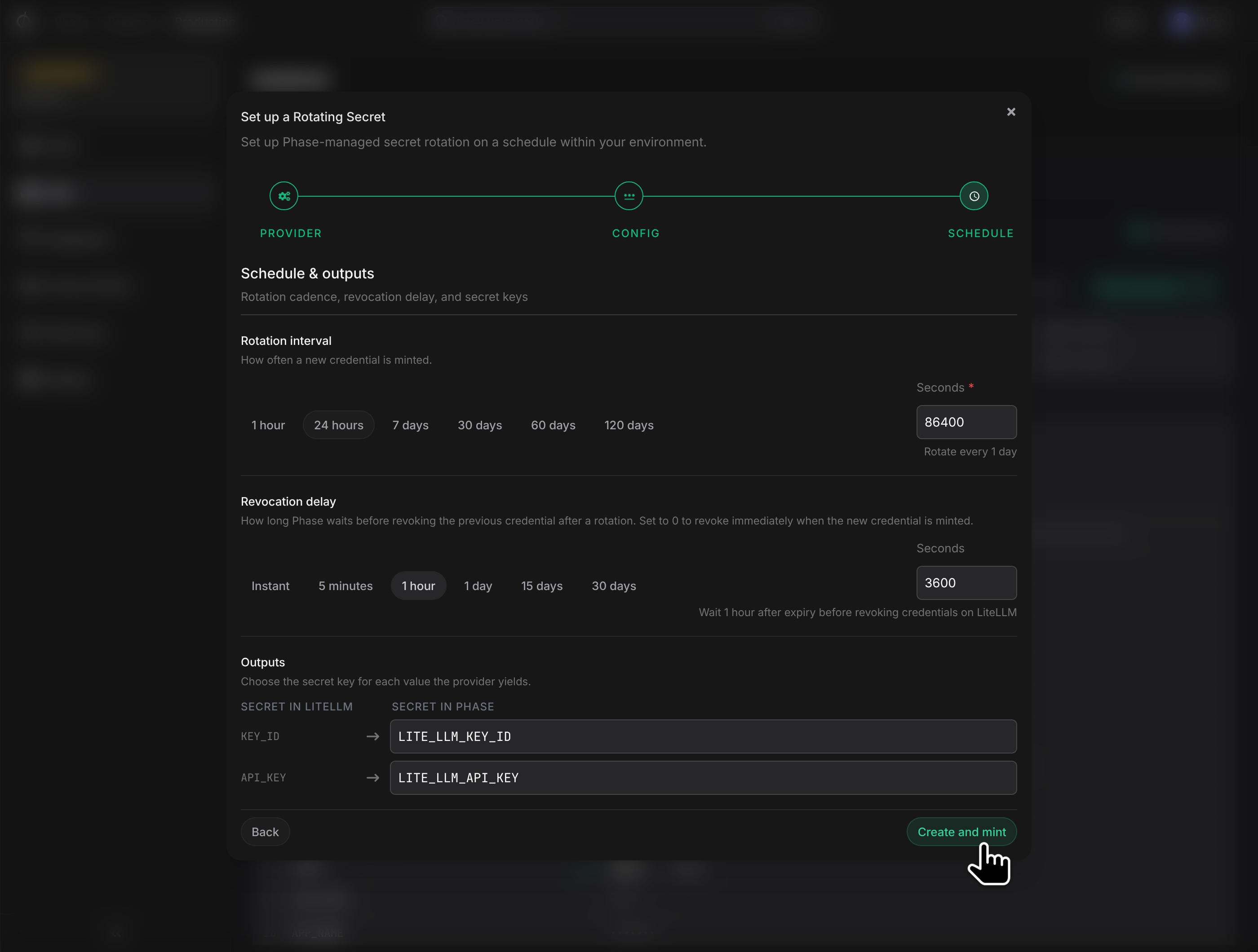
Click Create and mint.
What Phase manages
Phase always overrides these fields on every mint:
| Field | Reason |
|---|---|
key_alias | Phase generates phase-rs-<rotating-secret-id>-<epoch> for orphan traceability. |
auto_rotate, rotation_interval | Phase is the rotator. |
duration | Phase owns credential lifetime. |
send_invite_email, key_type | Not relevant to automated mint. |
Everything else in the POST /key/generate body is yours to configure.
Troubleshooting
- "You are not authorized to delete this key" — the management key wasn't minted under a
proxy_adminuser. Recreate the user withuser_role: "proxy_admin"and re-mint. - "Virtual key is not allowed to call this route: /key/generate" — the scoped key's
allowed_routesis missing/key/generate. Re-mint with the full list. - Repeated
Mint failedwith rate-limit errors — the proxy is throttling the management key. Backoff retries will continue, but consider widening the rotation interval.