Jenkins
You can use the Phase CLI to retrieve secrets inside your Jenkins CI pipelines or jobs.
Prerequisites
- Have signed up for the Phase Console and created an application
PHASE_SERVICE_TOKEN
If you are using a Self-Hosted instance of the Phase Console, you may supply
PHASE_HOST environment variable with your URL (https://<HOST>).
Step 1: Set the PHASE_SERVICE_TOKEN
- Go to the Jenkins Dashboard
- Click on Manage Jenkins
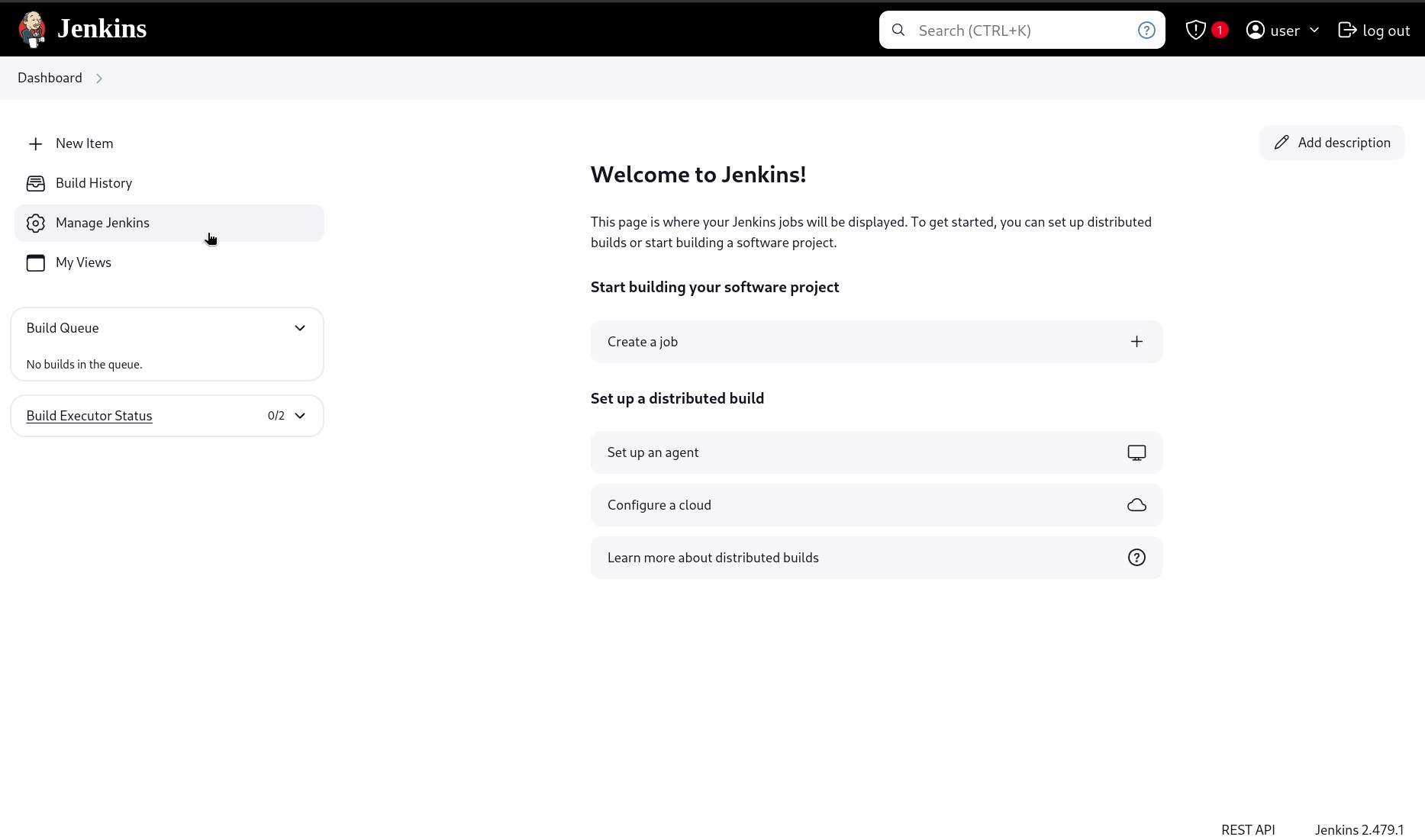
- Select Credentials under the Security section
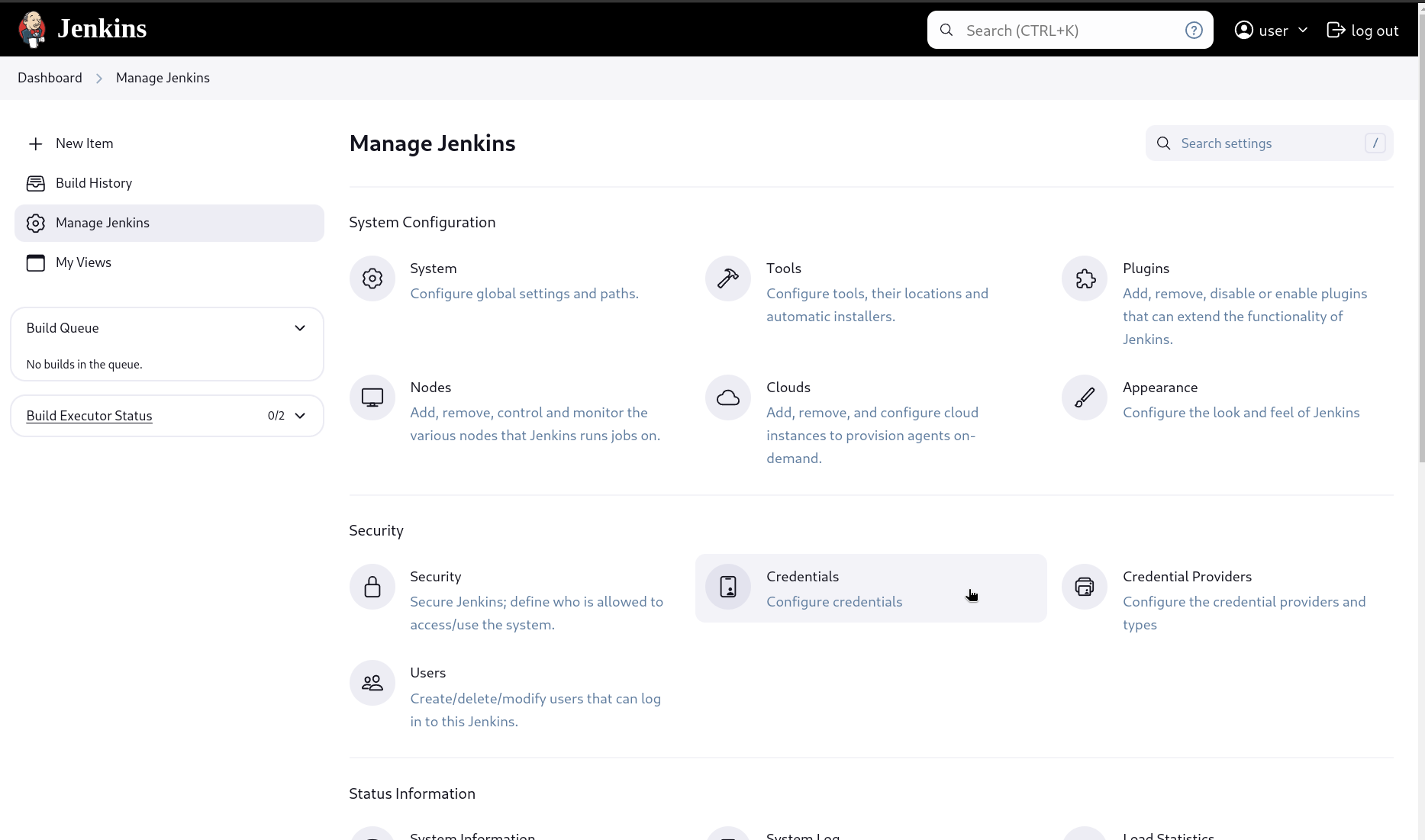
- Click on (global) dropdown under the 'Stores scoped to Jenkins' Domain section
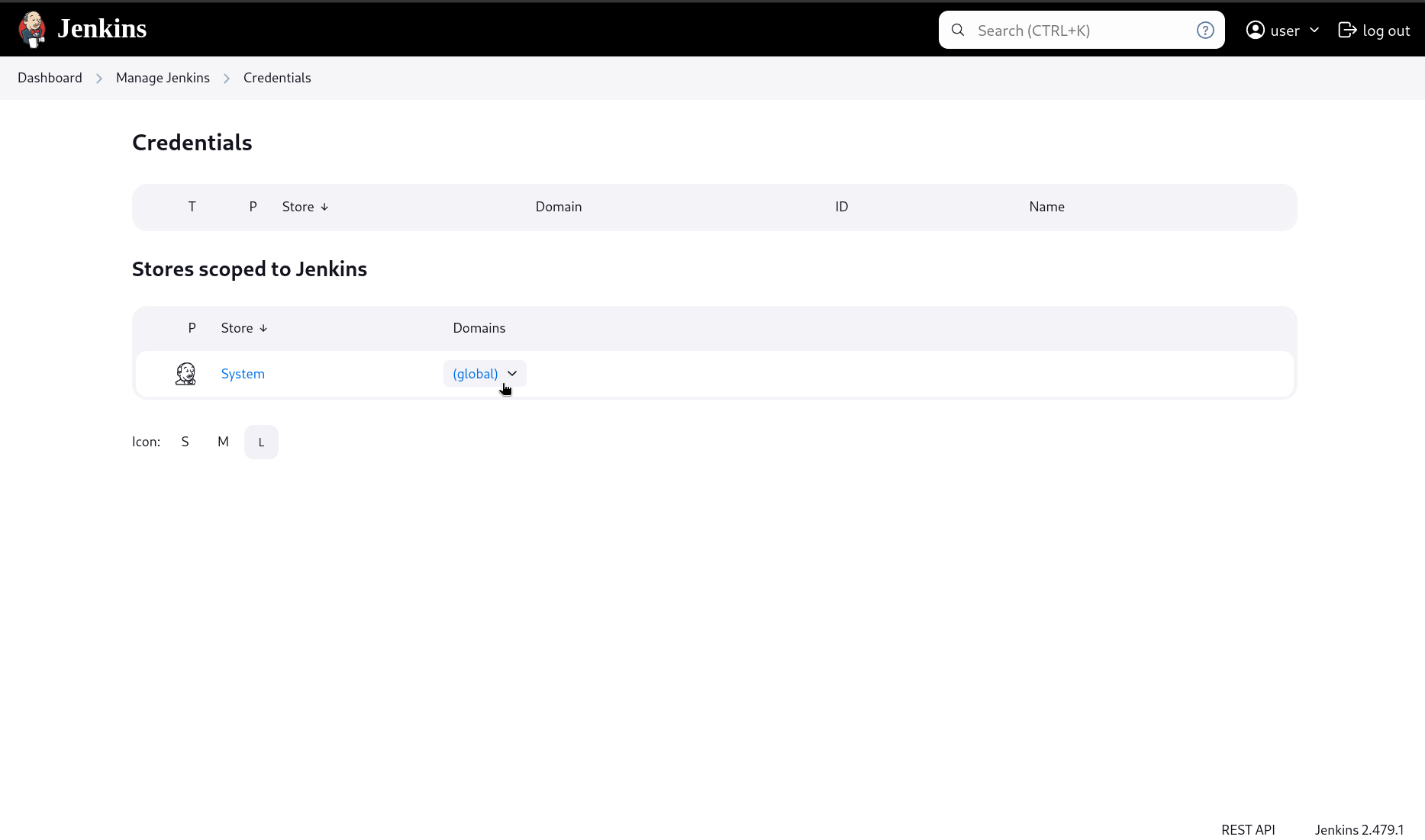
- Click + Add Credentials
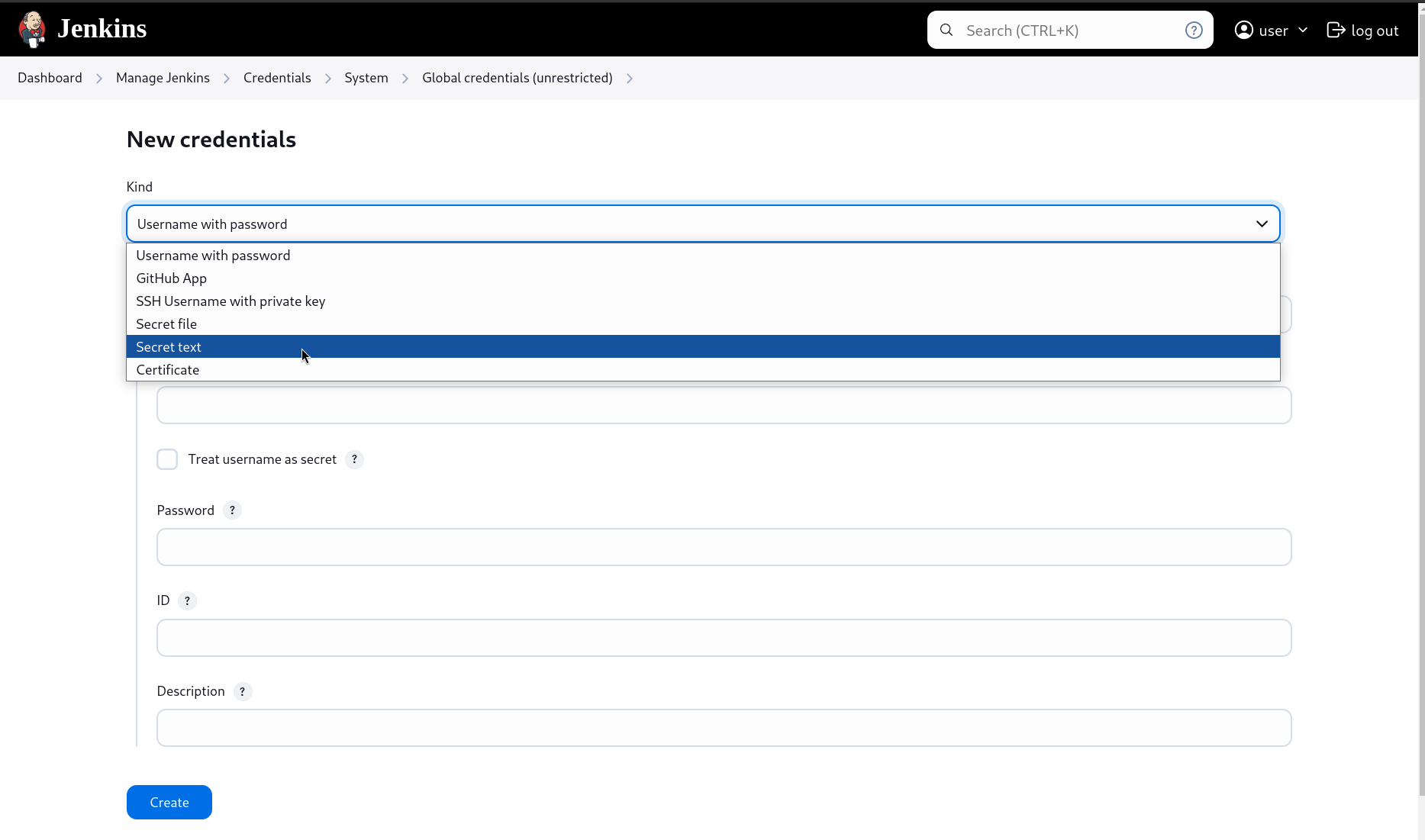
- In the New credentials page's Kind dropdown, select Secret text
- Paste the
PHASE_SERVICE_TOKENin the Secret box, provide a suitable ID (to be referenced in our pipelines) along with a Description, and click Create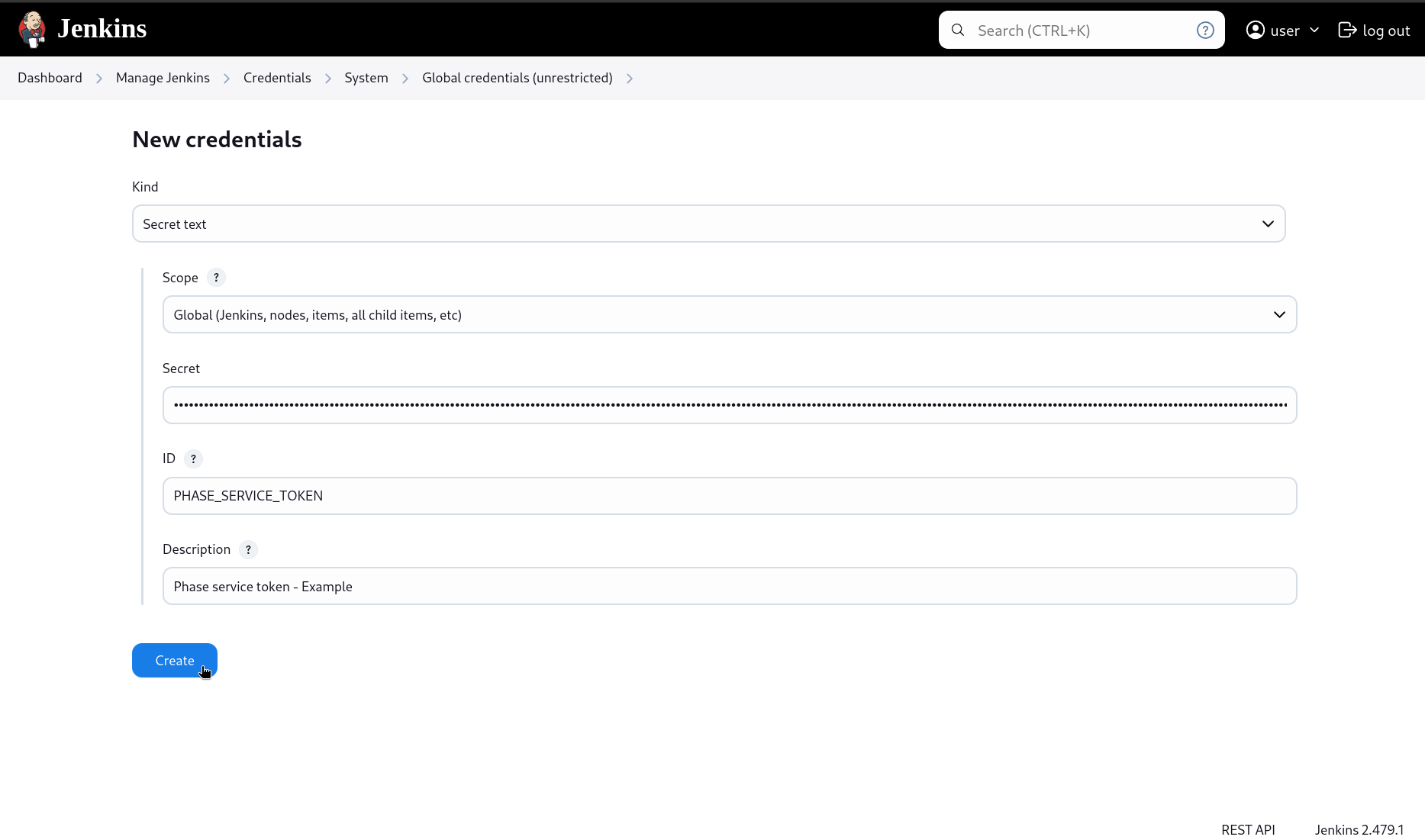
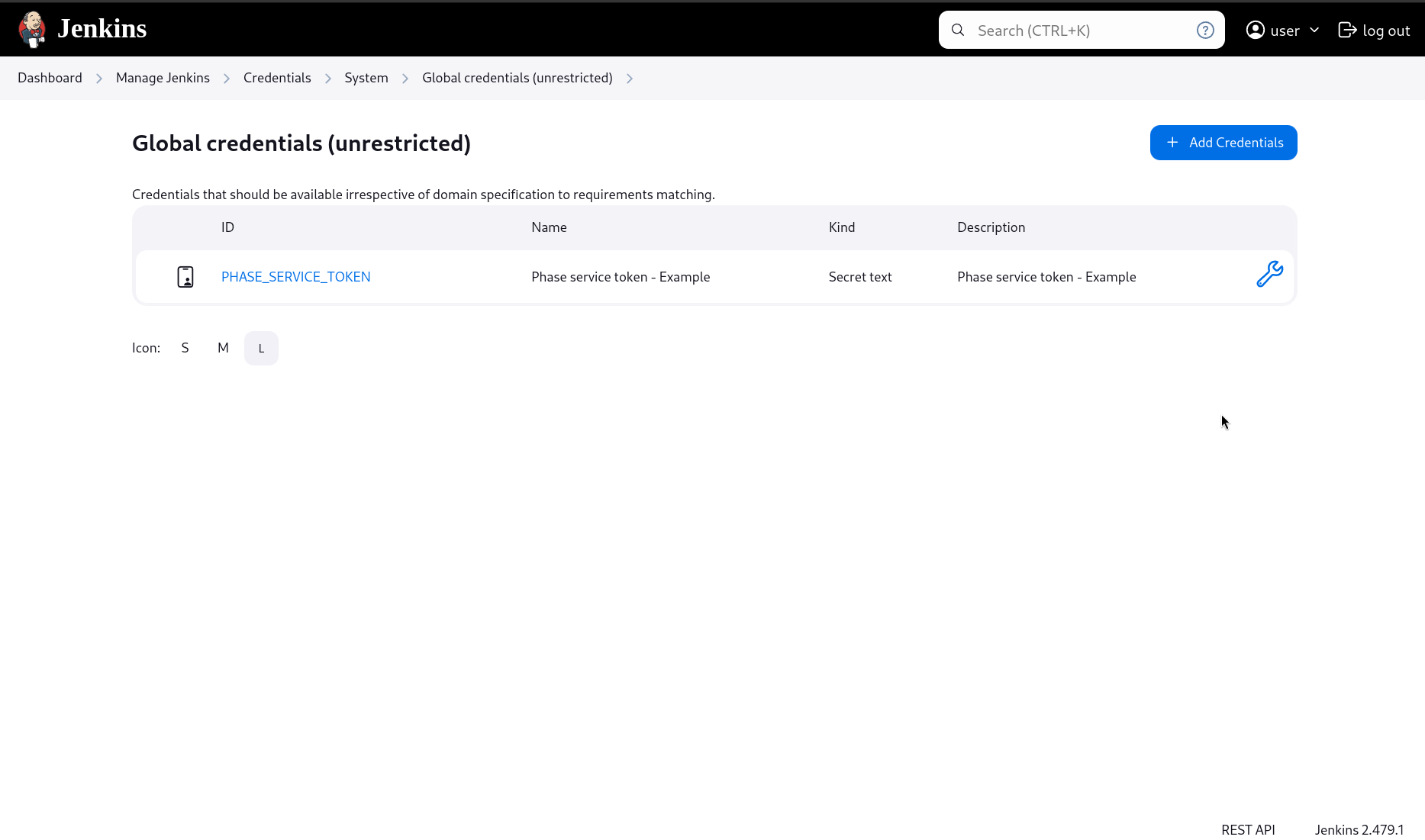
- Make a note of the secret ID
Step 2: Access secrets inside your pipelines using the phasehq/cli image:
Jenkins, with its Docker Pipeline plugin, supports multi-stage Docker pipelines. Here's an example where we are retrieving and consuming Docker Hub secrets:
Please make sure to set a version tag for the phasehq/cli Docker image to avoid breaking changes. You can get the latest tags on Docker Hub.
pipeline {
    agent any
    stages {
        stage('Prepare') {
            steps {
                script {
                    withCredentials([string(credentialsId: 'PHASE_SERVICE_TOKEN', variable: 'PHASE_SERVICE_TOKEN')]) {
                        // Set the credential ID for the Phase service account token ☝️ you set in step 1
                        docker.image('phasehq/cli:1.18.5').inside {
                            // Set the cli version ☝️
                            withCredentials([usernamePassword(credentialsId: 'docker-credentials',
                                                           usernameVariable: 'DOCKERHUB_USERNAME',
                                                           passwordVariable: 'DOCKERHUB_TOKEN')]) {
                                sh 'secrets export --app "my application name" --env prod DOCKERHUB_USERNAME DOCKERHUB_TOKEN'
                                // Export and directly store secrets in Jenkins credentials store ☝️
                            }
                        }
                    }
                }
            }
        }
        stage('Build and Push') {
            steps {
                script {
                    withCredentials([usernamePassword(credentialsId: 'docker-credentials',
                                                    usernameVariable: 'DOCKERHUB_USERNAME',
                                                    passwordVariable: 'DOCKERHUB_TOKEN')]) {
                        sh '''
                            echo "$DOCKERHUB_TOKEN" | docker login -u "$DOCKERHUB_USERNAME" --password-stdin
                            docker build -t my-image .
                            docker push my-image:latest
                        '''
                    }
                }
            }
        }
    }
}
This method pulls the phasehq/cli Docker image, runs it to retrieve the secrets, and then stores those secrets in Jenkins credential store. These secrets are then accessible in subsequent stages.